
Download Theme Studio on the App Store:

A look at Theme Studio
How Theme Studio came together
Theme Studio began as a personal project. I am a designer, and I kept building Home Screen themes for myself, then wishing there was one place to make the icons, wallpapers, and widgets all match. Over many months it grew from a simple icon tool into a full design studio: a native iPhone app for creating and applying themes on your phone, plus a browser based editor at themestudio.co for designing on a bigger screen. Everything is built around one idea, that personalizing your phone should be quick, visual, and genuinely enjoyable.
Design every detail in real time
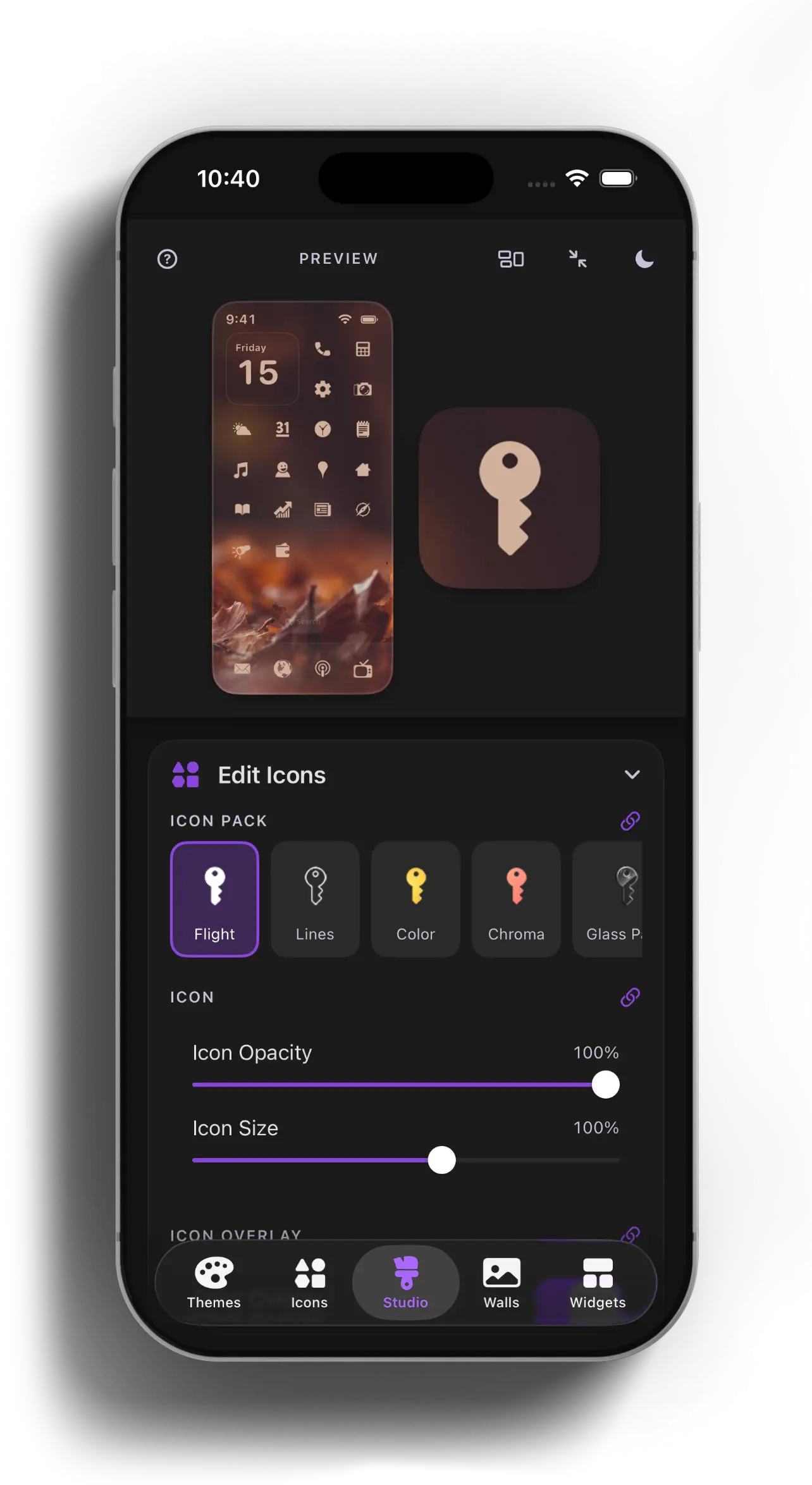
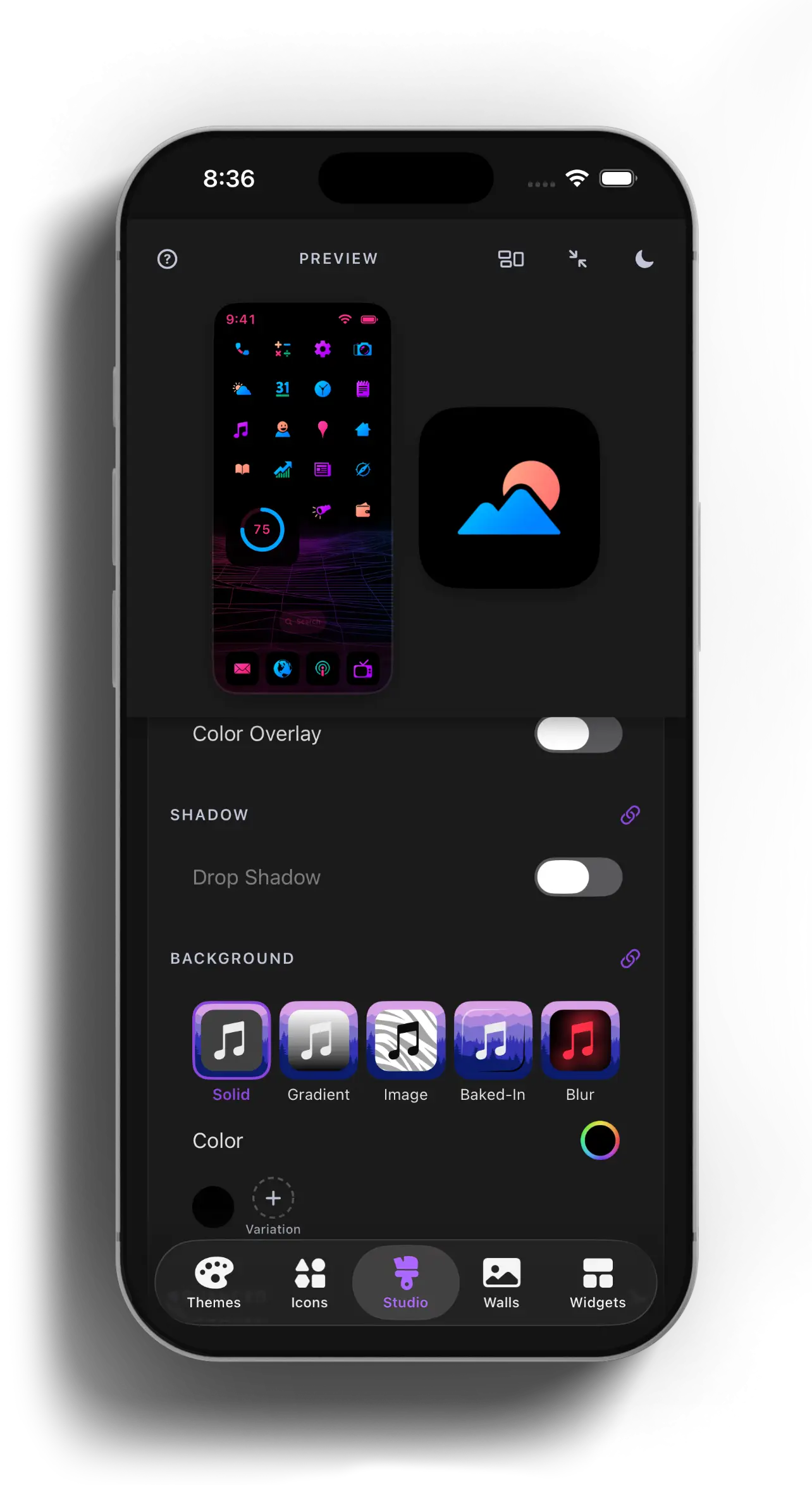
The Studio tab is the heart of the app. It is a live workshop where you can adjust icon size, backgrounds, color overlays, and shadows on a working phone mockup that updates the instant you move a slider. There is no guessing and no exporting just to check how something looks. You move through icon, widget, and wallpaper passes without ever leaving the preview.
Start from a curated theme
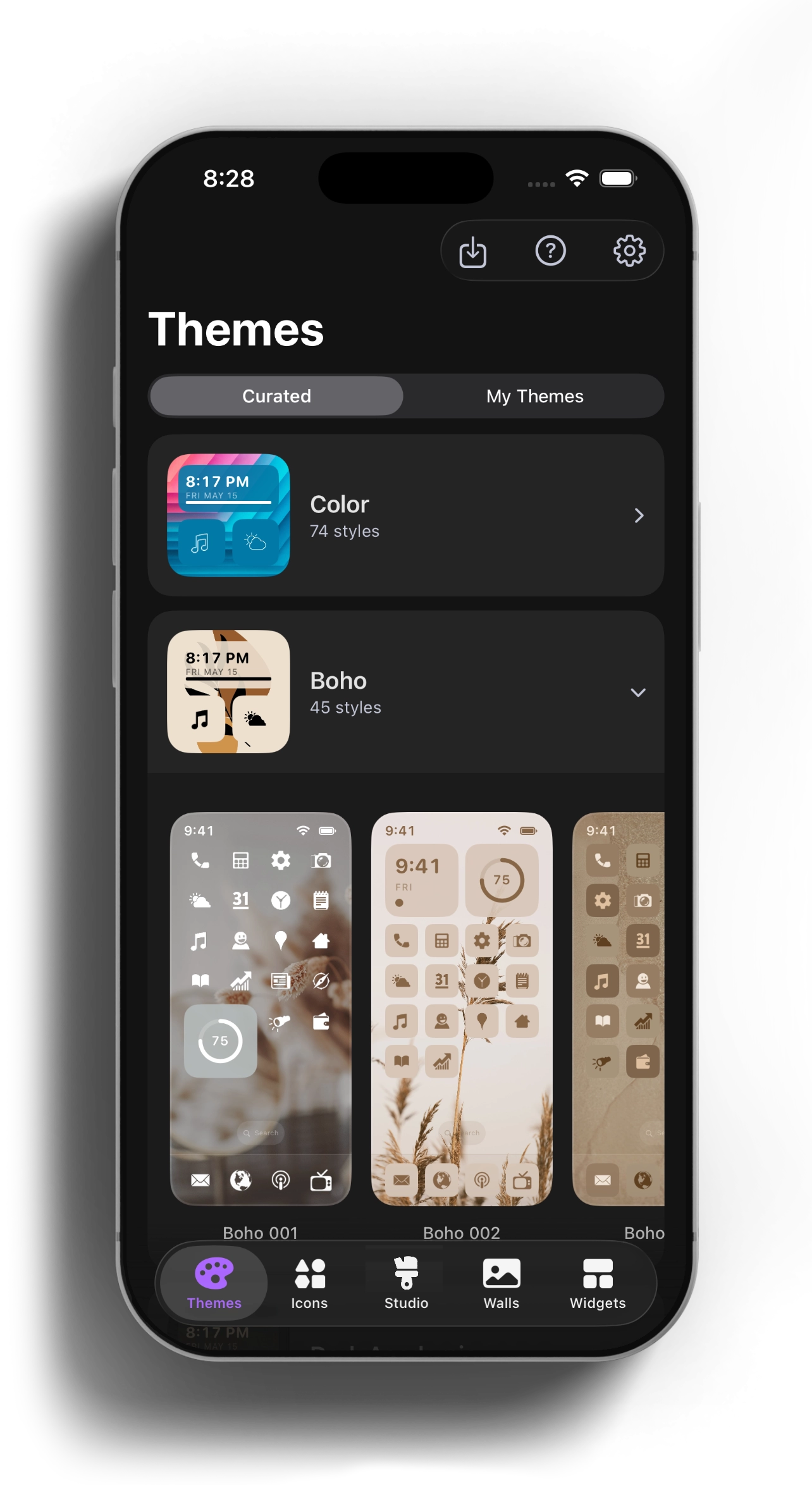
Not in the mood to start from a blank canvas? The Themes tab is full of complete, ready to use looks that pair icons, wallpaper, and widgets into one cohesive style. Tap Apply once and Theme Studio sets everything up for you. It is the fastest way to give your phone a fresh look in under a minute.
Thousands of icons, ready to drop in
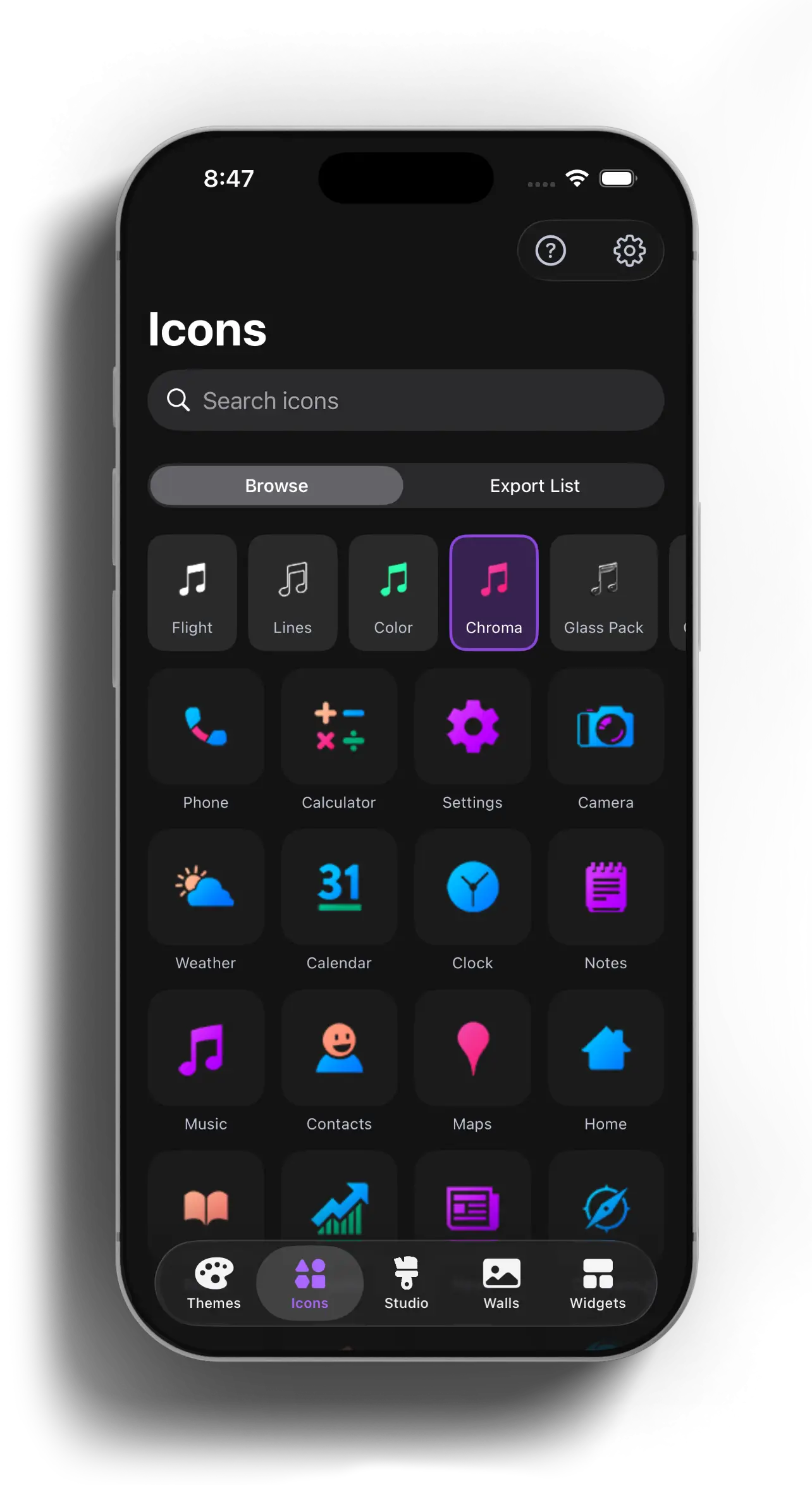
Theme Studio comes with eleven full icon packs covering just about every app you use, plus extra color and glass packs for finer styling. Search by app name, switch between packs with a tap, and line up everything you need for a single export. Whether you like clean line art, bold solids, or frosted glass, there is a set that fits.
Wallpapers that match your mood
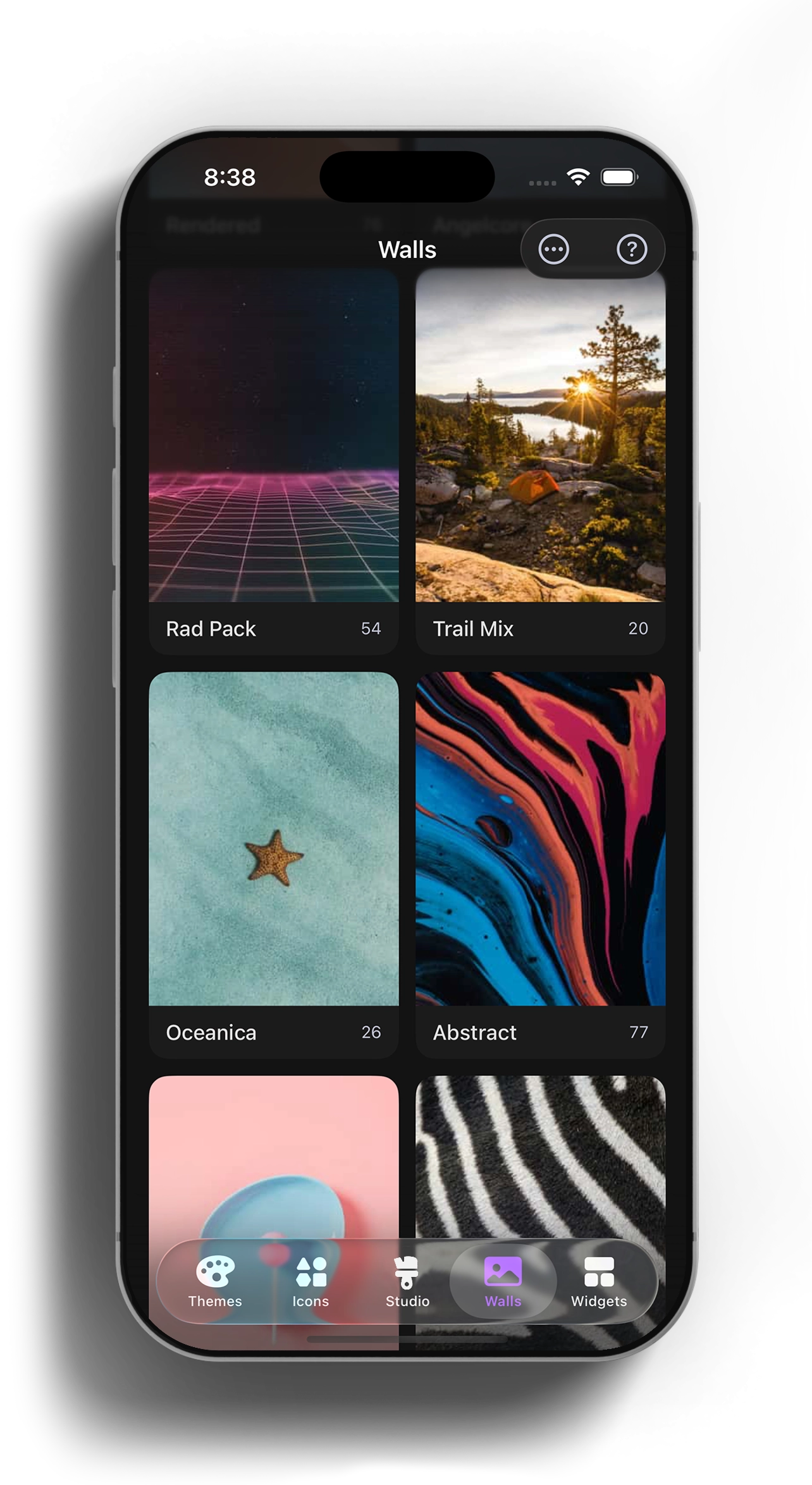
A great theme needs the right backdrop. The Walls tab has hand picked wallpaper packs spanning abstract, photography, minimal, and seasonal styles. Browse by pack, preview at full size, and save straight to your camera roll.
Widgets that fit your aesthetic
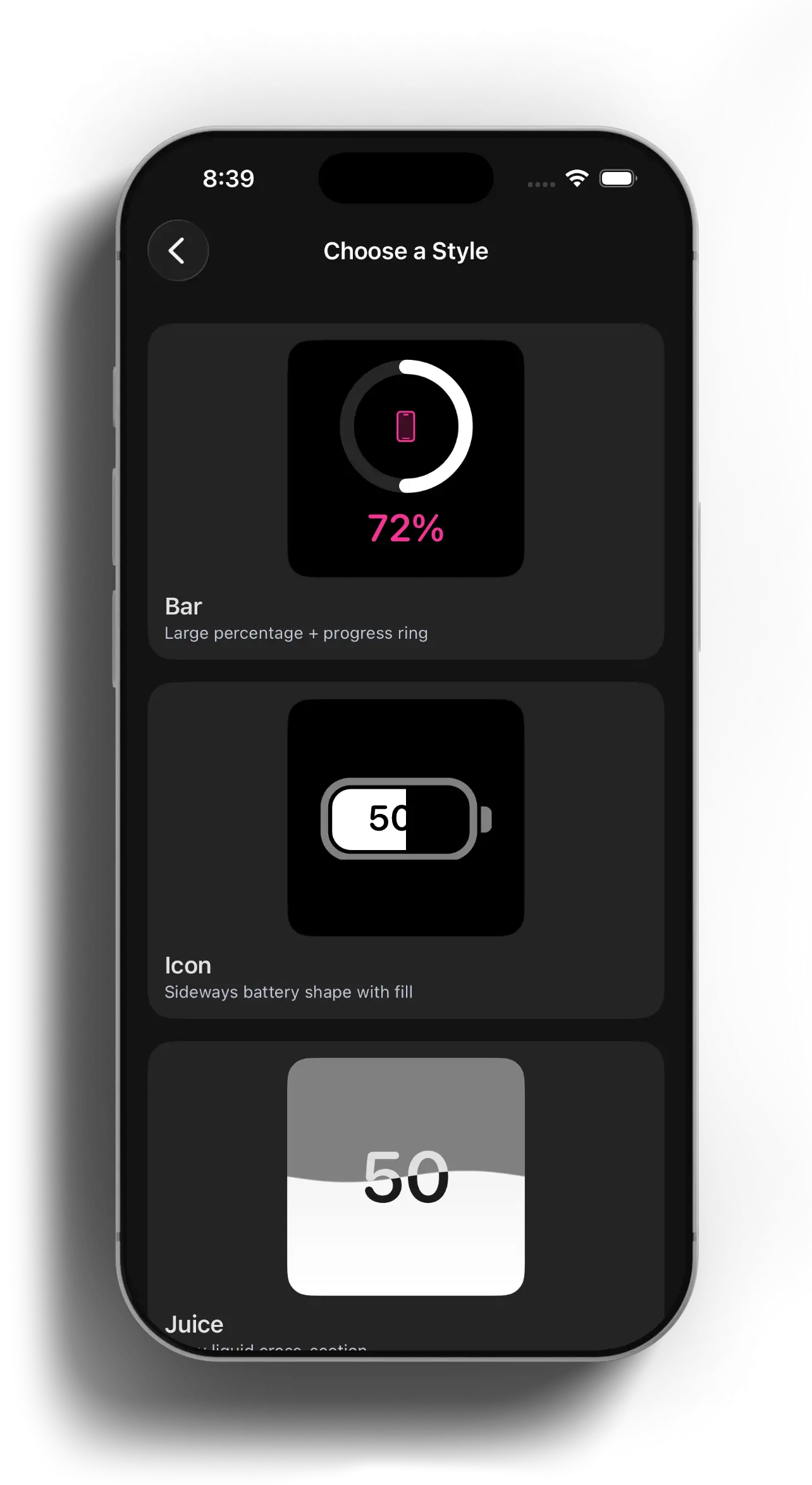
Clock, calendar, battery, weather, and photo widgets all come in several style variants. Pick the one that matches your theme, drop it on your Home Screen, and you are finished. The widgets are designed to blend in with your icons and wallpaper instead of clashing with them.
Full control over every pixel
For anyone who likes to fine tune, every property is exposed and previewed visually. Choose solid, gradient, image, baked in, or blurred backgrounds. Adjust color overlays, drop shadows, opacity, scale, and offset. You can dial in the exact look you are picturing without trial and error.
Bake icons right into your wallpaper
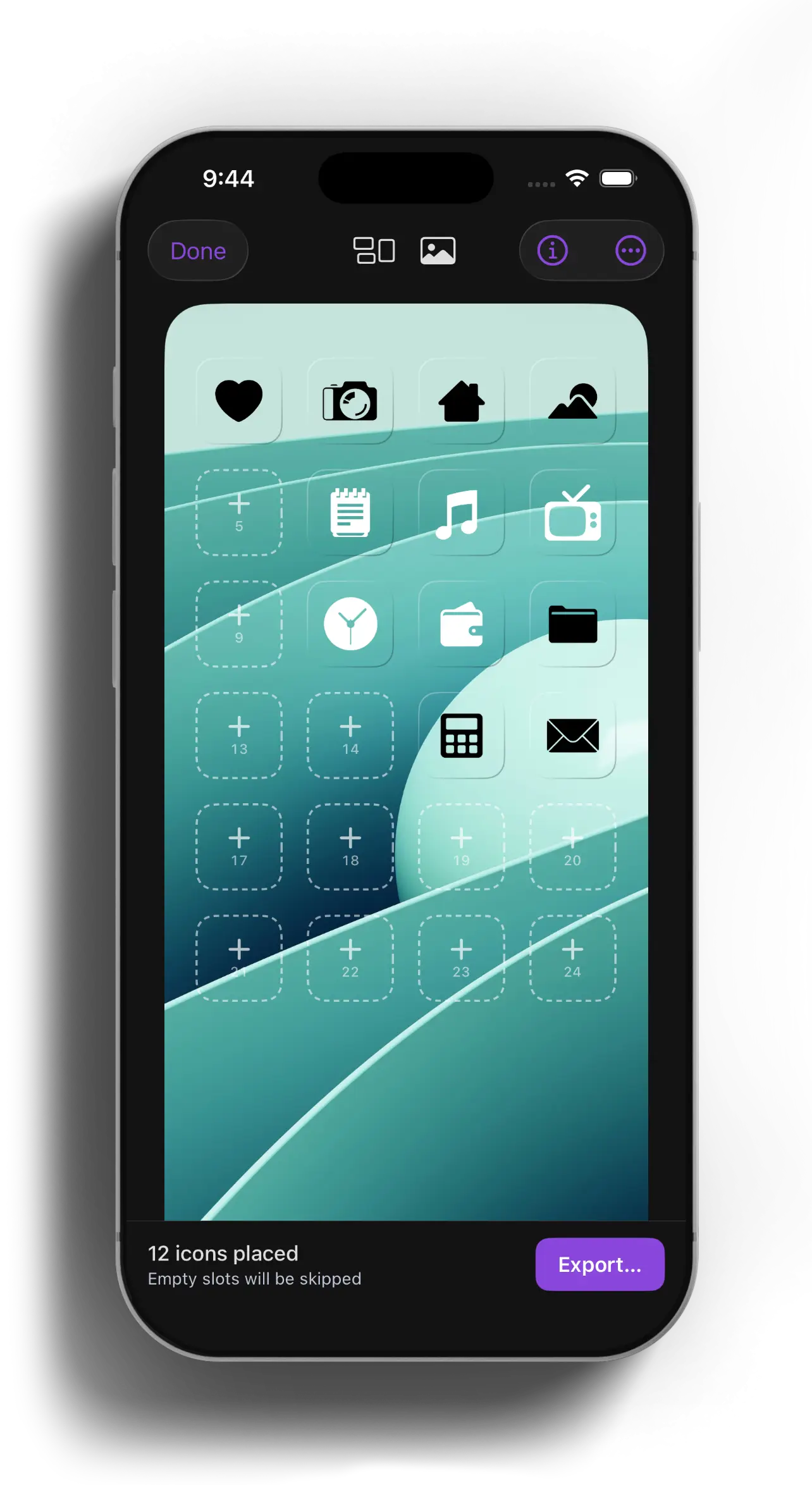
This one is my favorite trick. The Bakery flattens your icons directly into the wallpaper image so they line up with the iOS Home Screen grid perfectly, with no awkward gaps or misaligned rows. The result is one clean wallpaper with your icons placed exactly where they should be.
Getting this to work took some time. I had to measure (pixel by pixel) the last 7 years of iPhone and iPad model’s home screens to build a database of home screen layouts. Theme Studio recognizes what device you’re using and automatically applies the correct grid for your home screen.
Bring your own icons
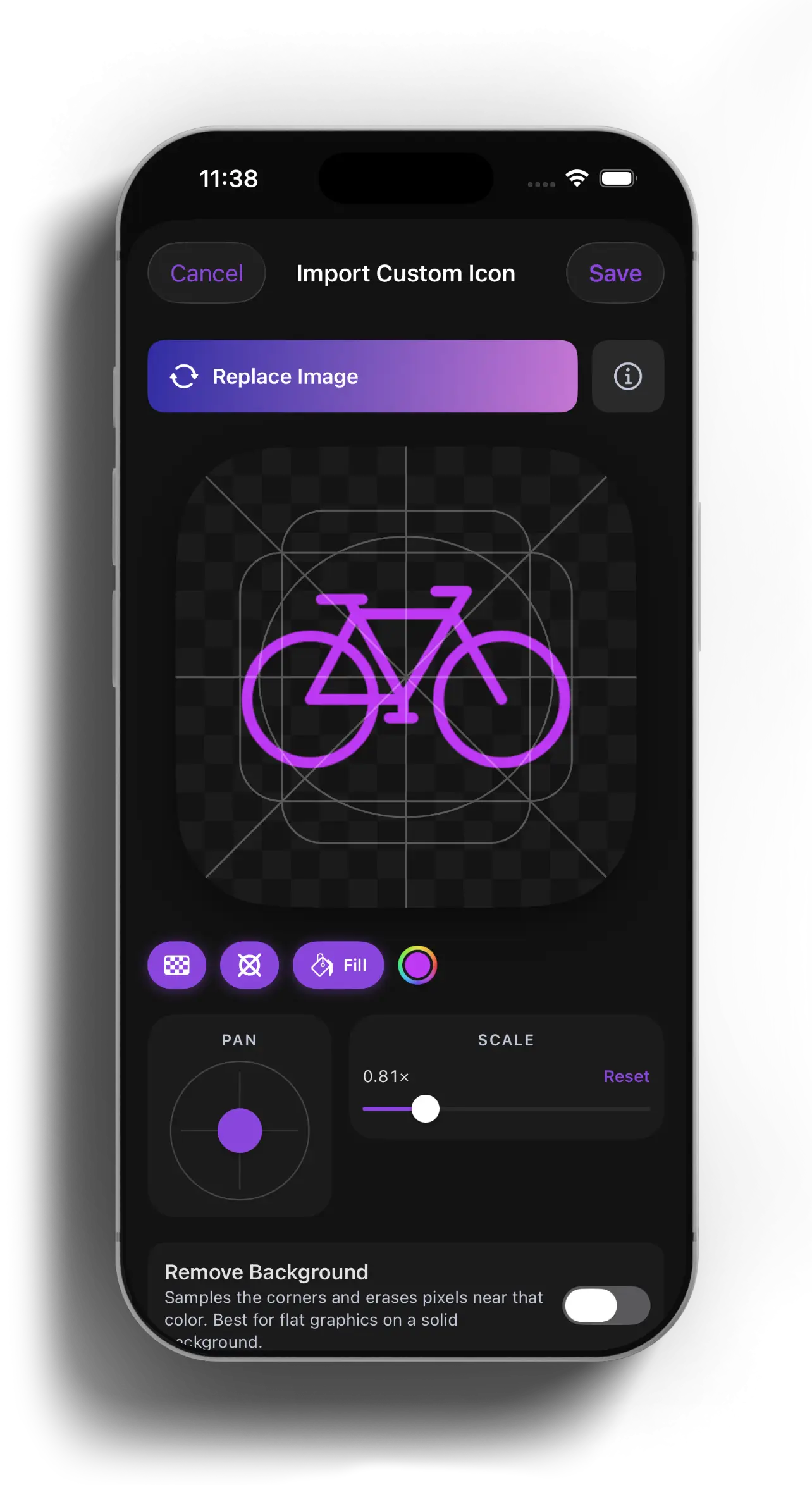
Have a logo or glyph you love? Import any PNG or SVG and Theme Studio turns it into a Home Screen icon. You can pan, scale, color fill, and even remove the background automatically. Your custom icons live right alongside the built in packs.
Design on the big screen at themestudio.co
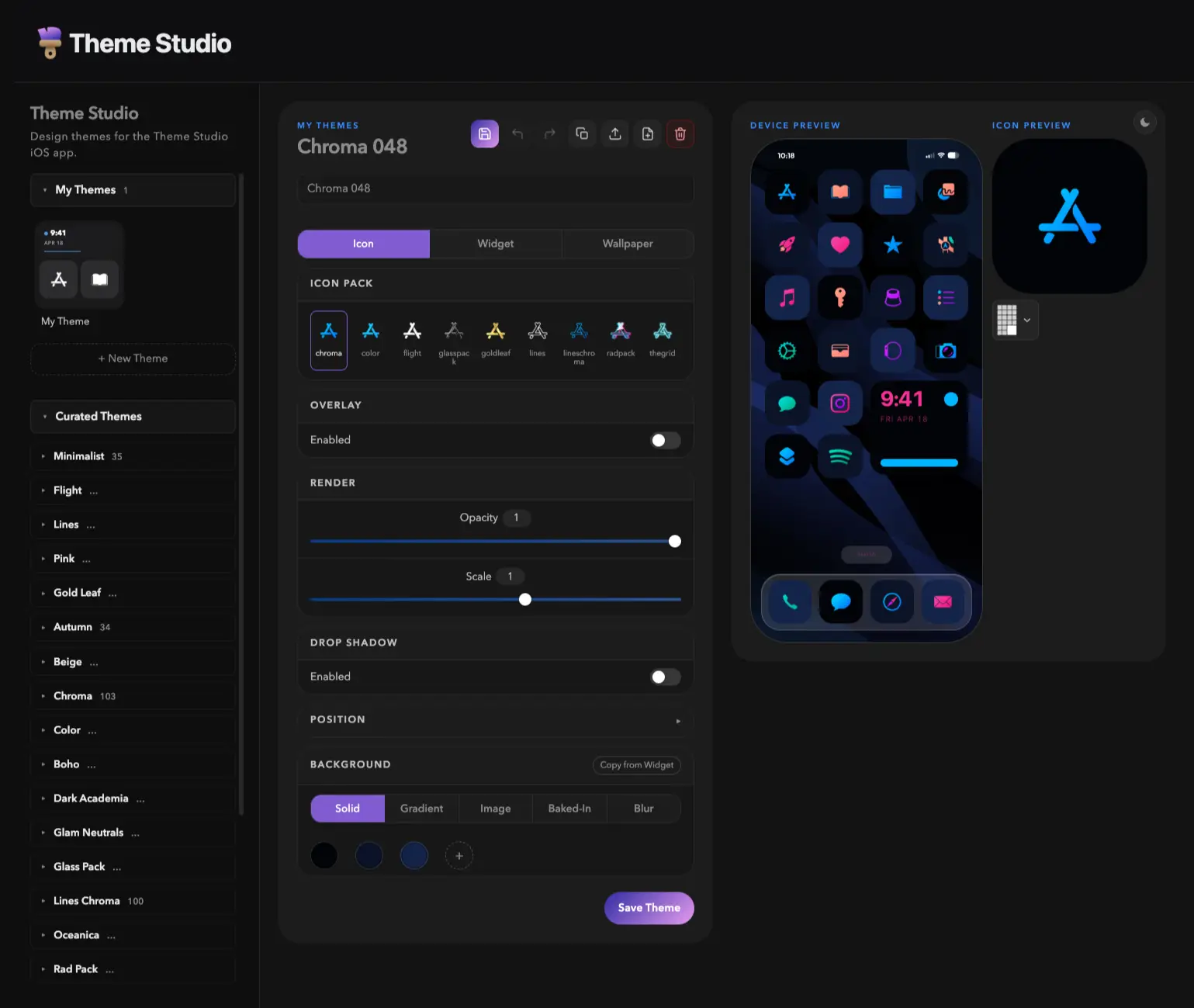
The app has a companion website with a full browser based editor. It mirrors the iPhone app with a desktop sized canvas and keyboard control, so you can browse curated themes, tweak every slider, and export your work from a laptop. It is free to use with no sign in required. The site is also home to the wiki, where every feature is explained in more detail.
Try it yourself
Theme Studio is available for iPhone on the App Store, and you can start designing right now in your browser at themestudio.co. If you are into phone personalization, I would love for you to give it a try and make your Home Screen your own.
Download Theme Studio on the App Store: