Clan Logan Charitable Trust website
Where the trust started
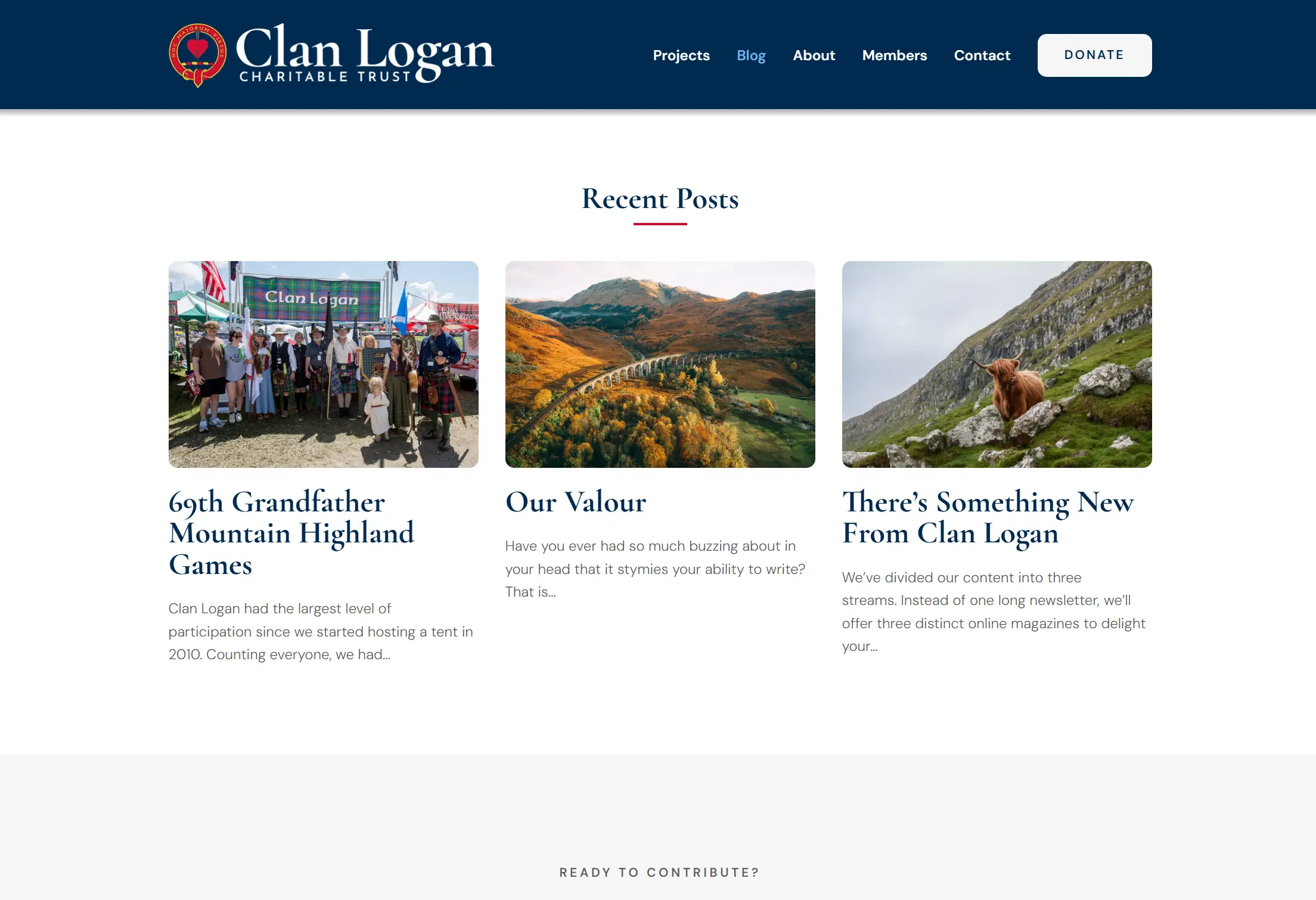
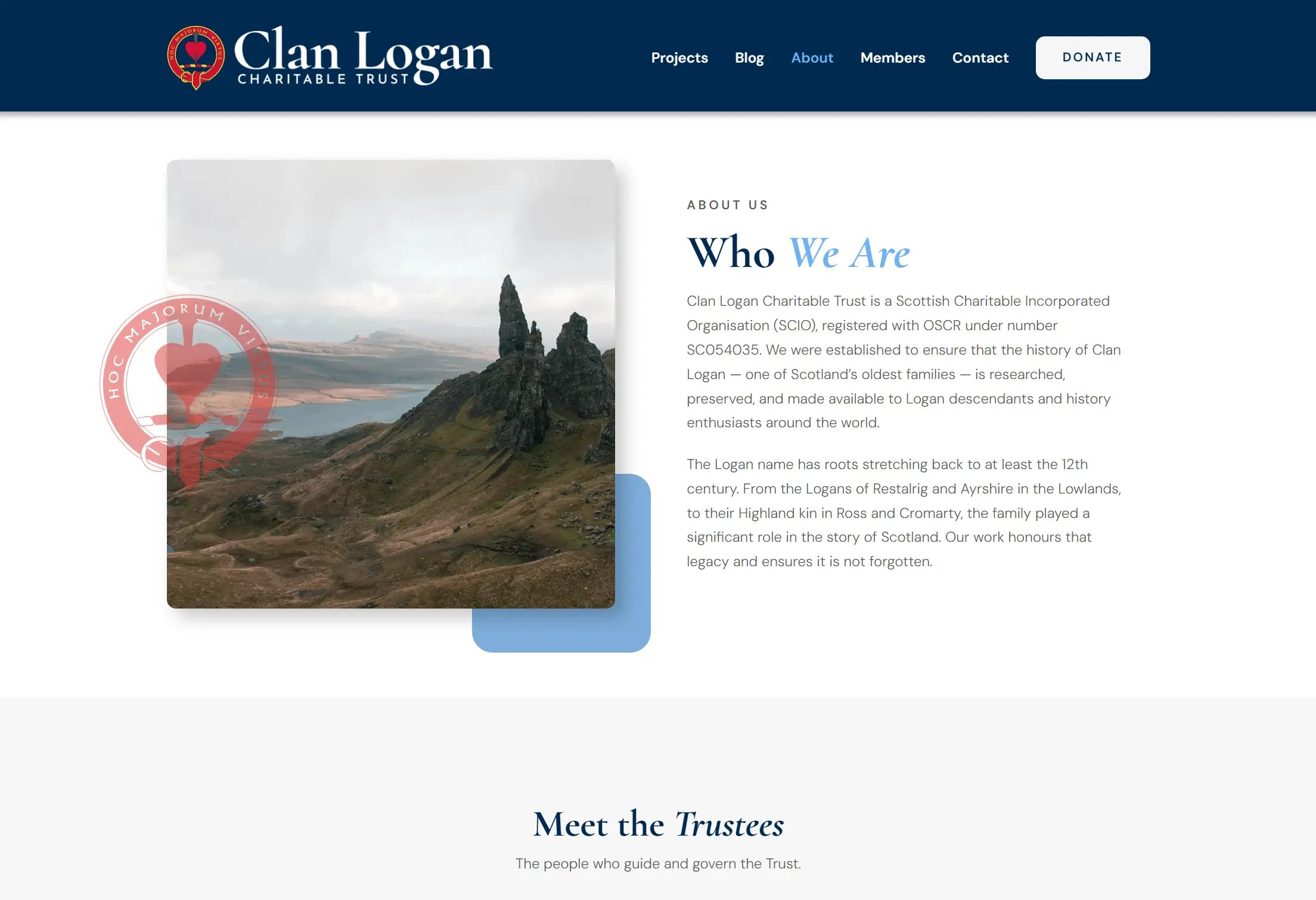
The trust already owned clanlogantrust.co.uk and had made a start with an off the shelf charity theme. It was a fine placeholder, but most of the page content was still lorem ipsum and the layout did not say much about who the Logans are.
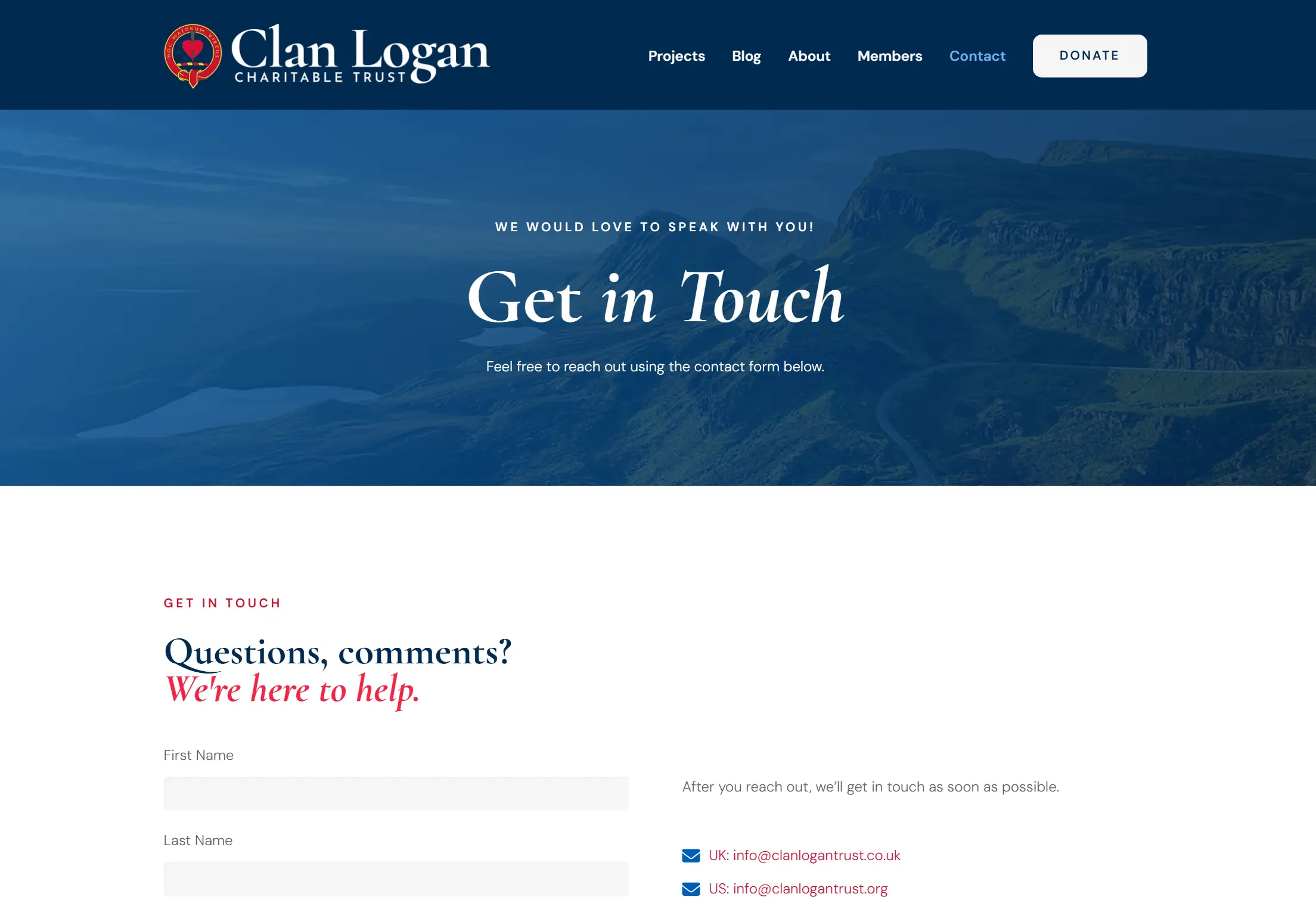
The original brief was five pages: Projects, Donations, About Us, Blog, and Contact. They also wanted a donation thermometer they could update whenever a big project came along, and they wanted to be able to add projects themselves without asking a developer every time.
One detail shaped the whole build. The Clan Logan Charitable Trust is a registered Scottish charity, a SCIO, number SC054035. Scottish charity regulations require the charity name and registration number to appear on the site, so those constraints went into the header and footer from the first day rather than getting bolted on at the end.
Starting with the brand, not the website
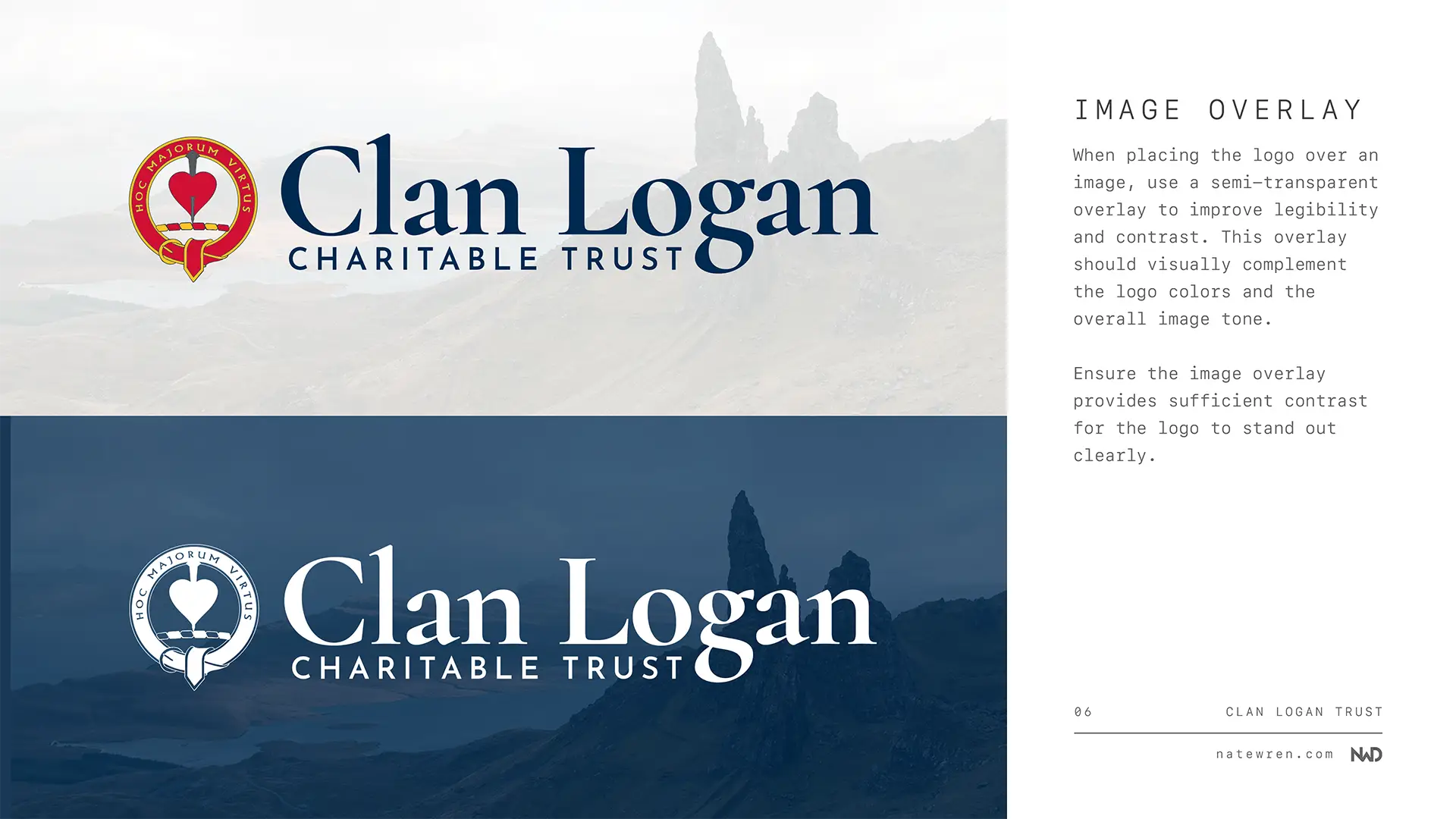
Before I built a single page I put together a brand. The trust already had a Logan clan badge they wanted to keep, so the job was building a system around it rather than replacing it.
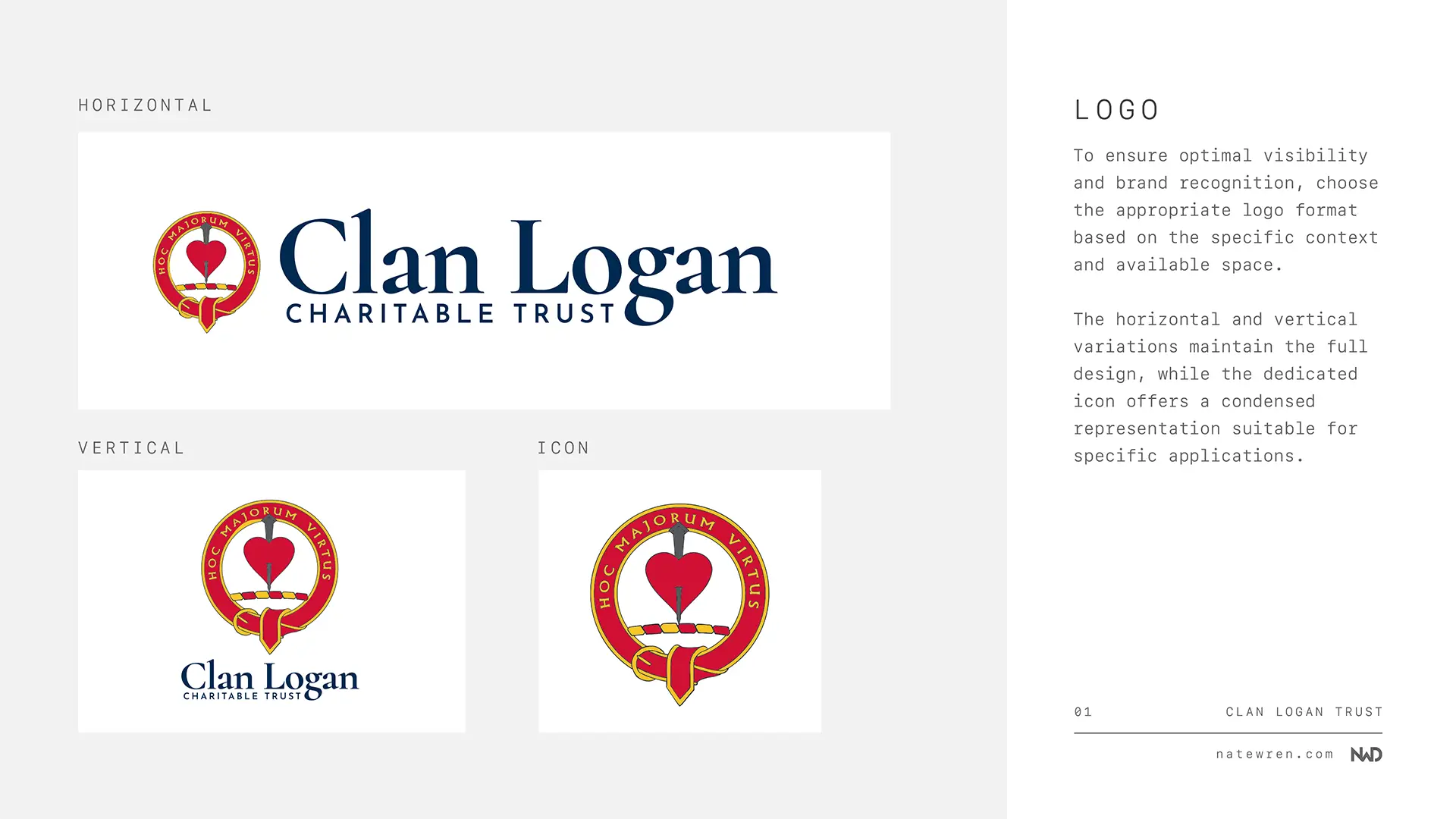
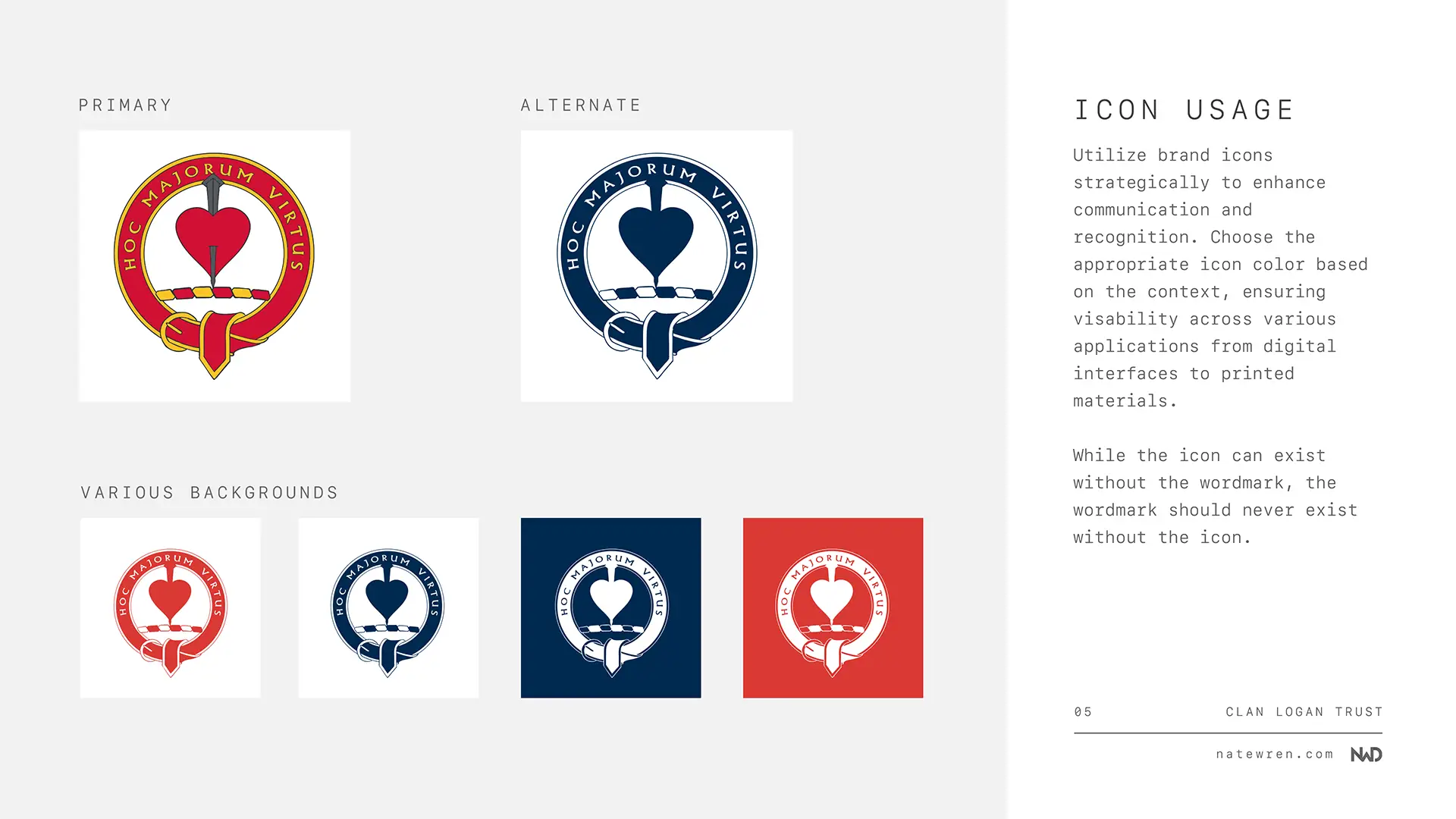
I redrew the crest clean, wrapped it with the clan motto MAJORUM VIRTUTUM MEMOR, which translates to “mindful of the virtues of our ancestors”, and produced horizontal, vertical, and icon versions. That way the same mark holds up in a wide header, a stacked footer, and a 32 pixel favicon without falling apart.
Colour and type
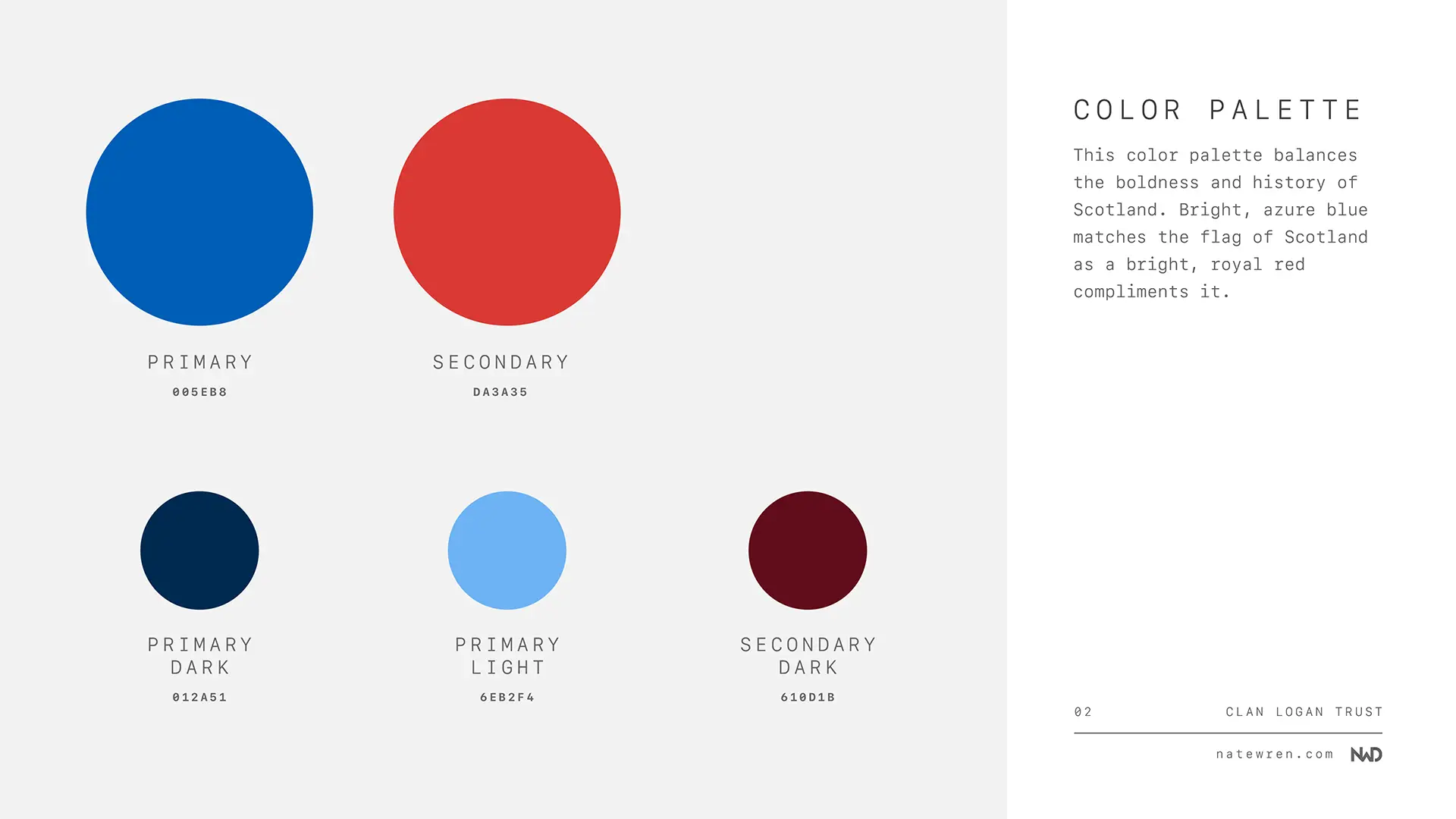
For colour I went straight to the Saltire. #005EB8 is the blue of the Scottish flag, and paired with a deep navy at #012a51 it gives the site weight without feeling like a museum. A heraldic red at #C8102E does the accent work on buttons and highlights, which is a nod to the reds that show up all over Scottish clan heraldry.
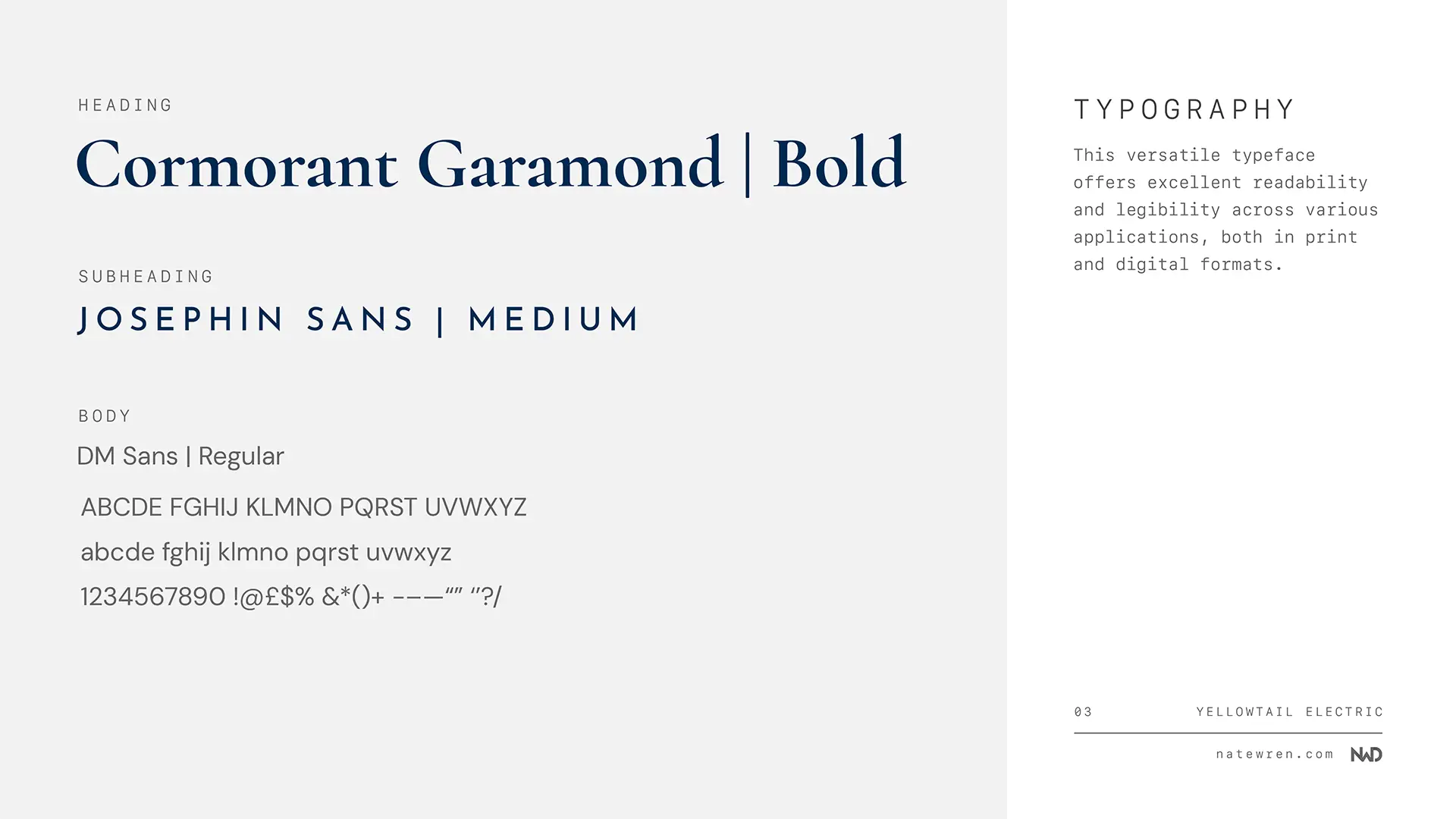
Type is Cormorant Garamond for headings and DM Sans for body copy. The serif suits a family whose story goes back to at least the 12th century. The sans keeps long paragraphs comfortable to read on a phone.
All of it went into a six page branding guide with the logo files, colour codes, type scale, and usage rules. The trustees now have something they can hand to a printer or an event organiser without needing me in the loop. You can see the full guide in the branding portfolio piece.
Why I built it in Bricks
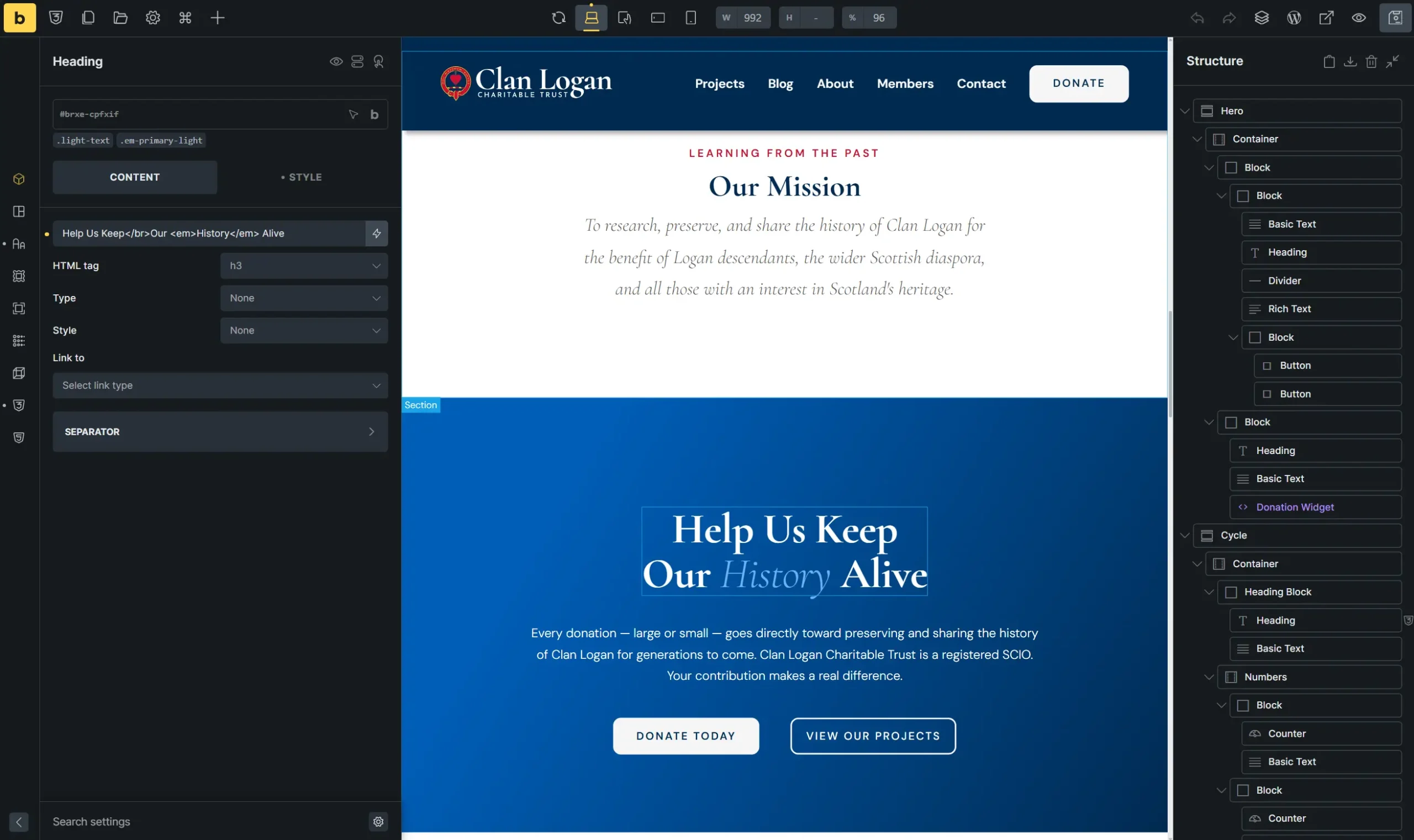
I build in Bricks Builder for almost everything now. For a site like this it is an easy call. Bricks outputs clean markup instead of the nested div soup a lot of builders leave behind, it gives me full control of the CSS, and the pages load fast. For a charity that will be sharing links on Facebook to people browsing on their phones, speed is not a nice to have.
I built the first draft locally, moved it to a staging server, and shared it with the trustees along with a Google Doc that walked through every page and every decision. That doc turned out to be the most useful thing I did on the project. Instead of feedback scattered across an email thread with three people on it, all three trustees left comments in one place and I worked through them in order.
Projects the trustees can update themselves
The thing the trust was clearest about from the first email was that they needed to add and edit projects on their own.
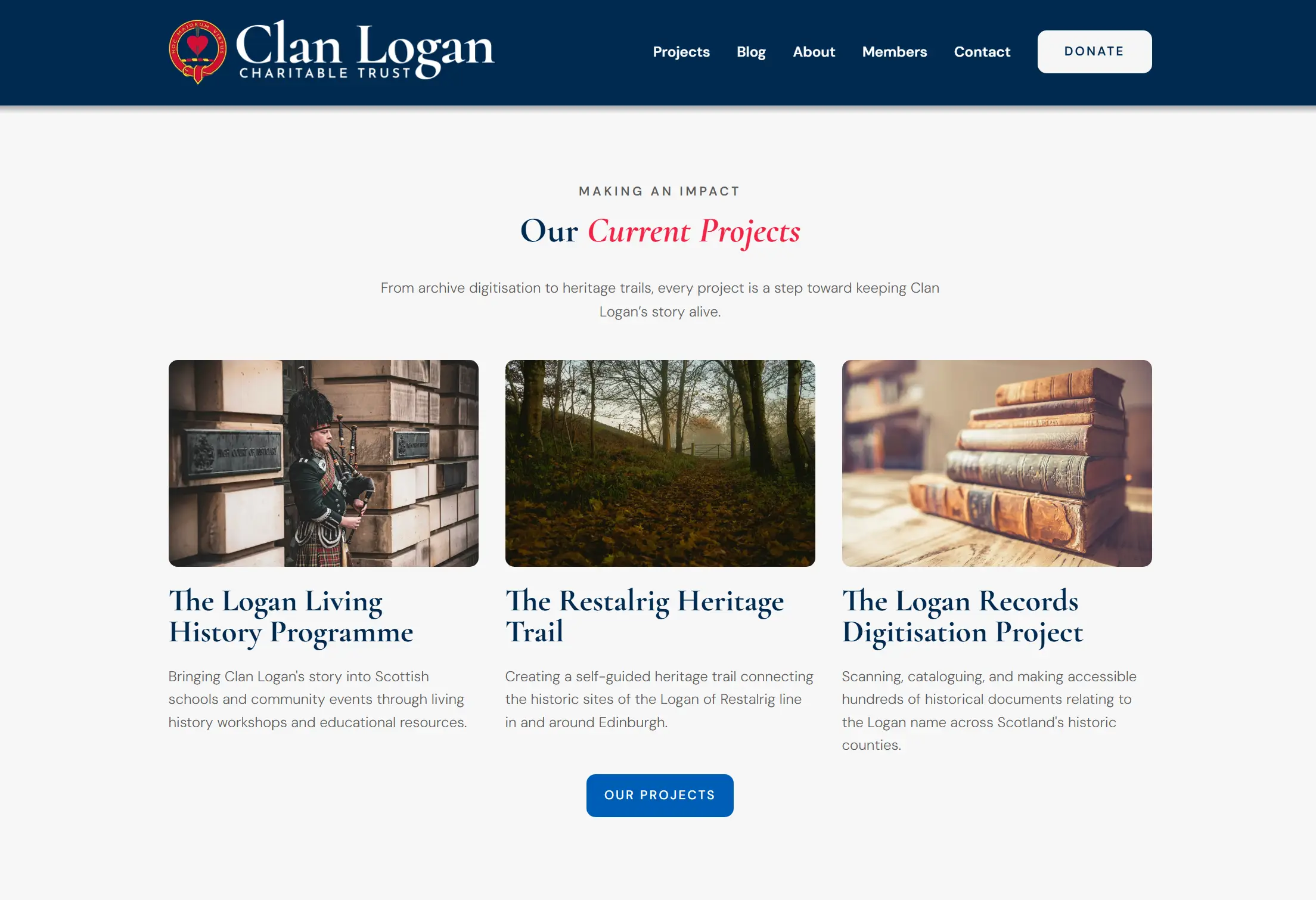
So projects are not pages. They are a WordPress custom post type with their own admin screen. A trustee writes a title and a description, uploads a photo, sets a funding goal, marks the project as Active, Paused, or Funded from a dropdown, and hits publish. The project then appears on the projects hub as a card, gets its own URL, and shows up in the featured projects block on the home page automatically.
It is the same workflow as writing a blog post. No page builder, no code, nothing that can be broken by accident.
Building the donation system from scratch
This is where the project grew, and it is the part I am happiest with.
The obvious answer is GiveWP or a similar donation plugin. I started there and backed out. Donation plugins load their own JavaScript and CSS on every page of the site, not just the donation page, and the recurring giving add on runs a few hundred dollars a year. For a small charity that is a lot of weight and cost for something that comes down to sending a person to a checkout page.
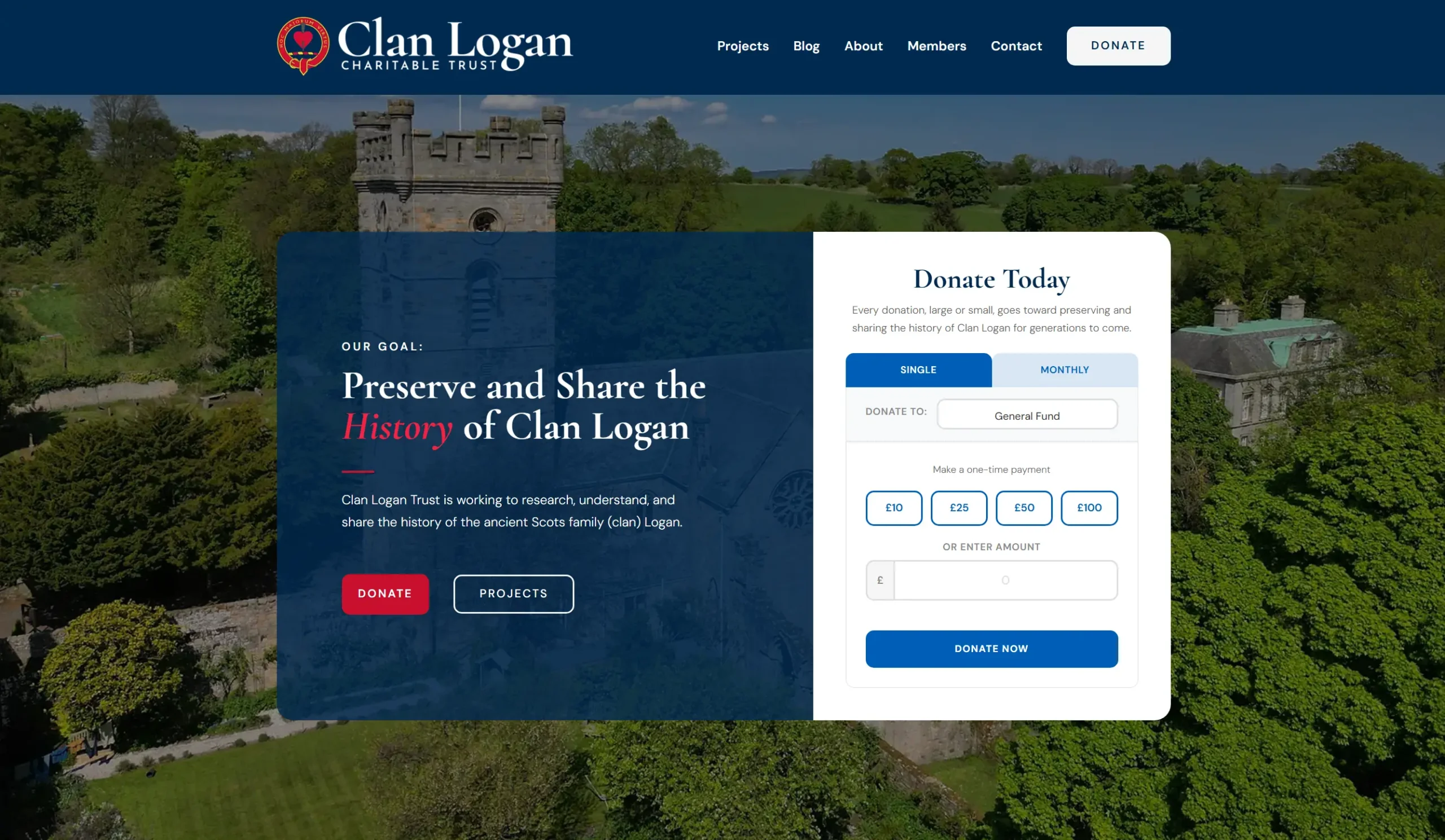
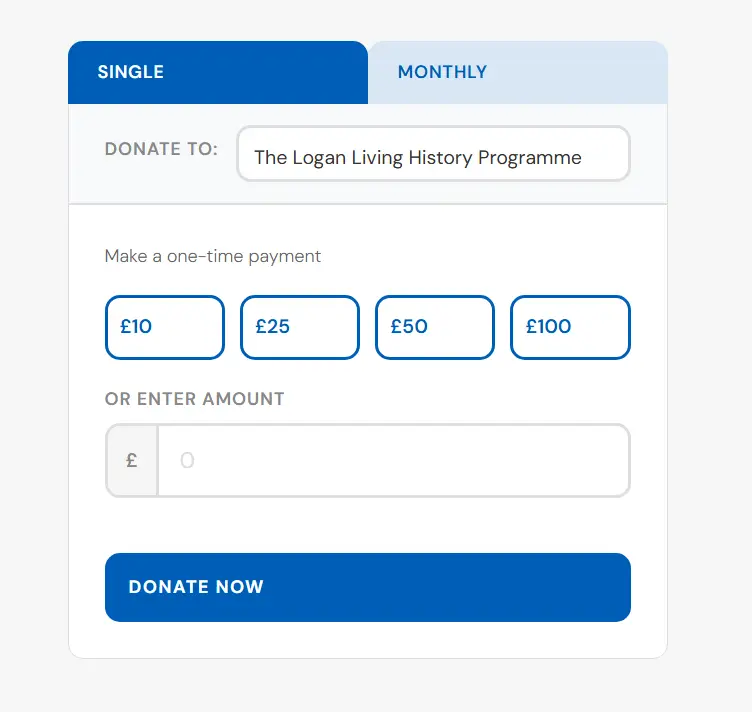
So I wrote the donation system directly into a must use plugin instead. A donor picks an amount and chooses a project from a dropdown. The site creates a Stripe Checkout session through a REST endpoint and passes the project ID along with it. Stripe collects the card details, which means the website never touches them and never has to. When the payment completes, Stripe fires a webhook back to the site, a handler reads it, logs the donation to its own database table, and adds the amount to that project’s running total.
What happens after a donation
Once the webhook is doing the work, a few things fall out of it for free.
There is a Donations tab in the WordPress admin listing every donation that has come in, the amount, the project it was for, and the donor’s email. The trustees get a notification email the moment a donation lands. The donor gets a thank you email. And none of it depends on a plugin sitting on the site slowing every other page down.
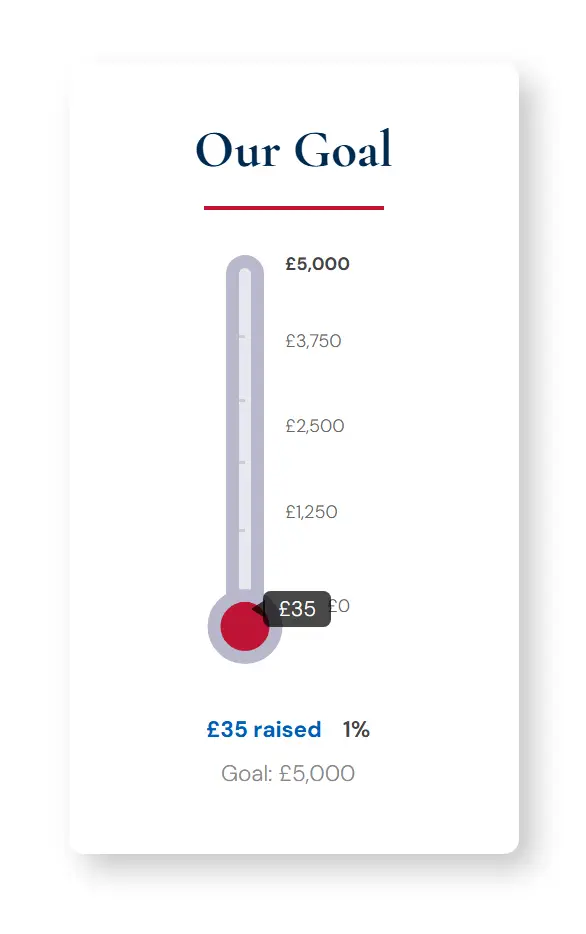
The thermometer from the original brief is a shortcode. Drop [clan_thermometer] onto a project template and it reads the goal and raised amounts from that project automatically, filling from the bottom up with the total and percentage alongside labelled graduation marks. Because it is fed by the same webhook, it updates itself. A donation comes in, the total goes up, the thermometer moves. Trustees can still override the figure by hand when a donation arrives by cheque or bank transfer, which for a charity happens more than you would expect.
One small detail I like: the project dropdown pre selects whichever project page you are already on. If you are reading about a specific project and you click donate, it already knows which one you mean.
Trustees and members
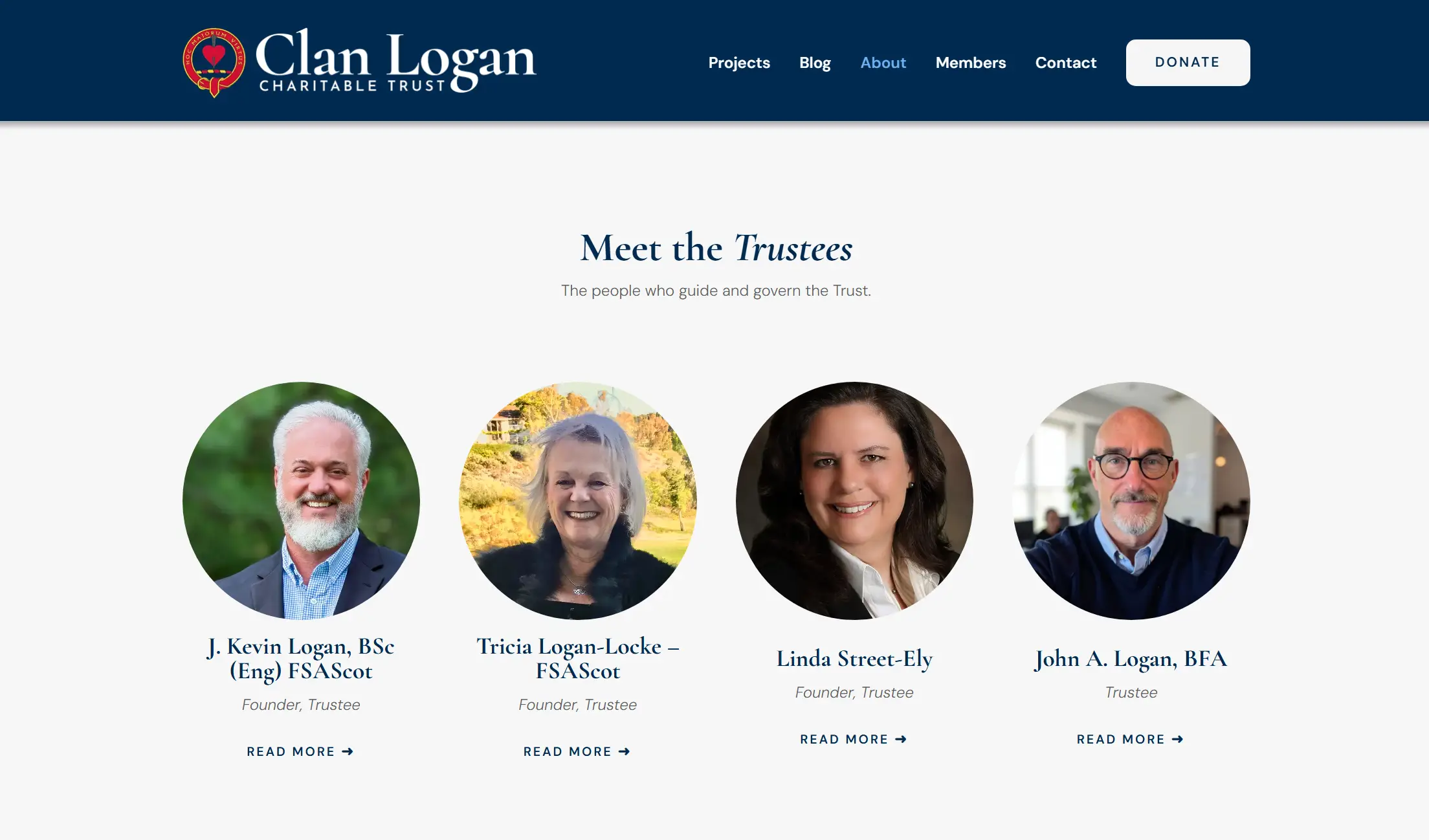
The About page needed trustee bios and photos, and trustees change over time, so they are a custom post type as well. Each trustee gets a card on the About page and a full page of their own with their bio, role, and photo. Adding a new trustee means writing a post. Nobody has to open the page builder.
Partway through the build Kevin Logan, the Commander of the Name Logan, sent over the trust’s paper membership application and asked whether it could live on the website. It can. The site now runs Paid Memberships Pro. Someone fills in the application online, submits it, and the trustees get an email. The application sits in a pending state until a trustee approves or rejects it, and approved members get access to a members only area of the site. No more emailing PDFs back and forth.
The unglamorous half of the job
A good chunk of the work on a project like this never shows up in a screenshot.
DNS moved to Cloudflare, which gives the site a CDN, faster delivery to visitors outside the UK, and bot filtering in front of the login page. Transactional email runs through Brevo so donation receipts and form notifications actually reach inboxes instead of spam folders. The trust moved to Google Workspace halfway through the build and I remapped the records for that. Rank Math handles the SEO side with charity organisation schema across the site and alt text on every image.
Stripe verification took about two weeks. Payment processors are careful with charities that move money across borders, and there is no way to hurry it along. When the account finally went live I put a one pound donation through myself and checked the whole chain: Stripe logged the payment, WordPress logged the payment and added it to the project total, the admin notification arrived, and the donor thank you email arrived. Then the site went live.
Handing it over
The last thing I did was record four short videos: how to write a blog post, how to add a project and manage donations, how to add a trustee, and how to handle membership applications.
I offered to do a walkthrough over Zoom, and I still would, but people forget what they saw on a call. A video they can pull up in six months when they add their next project is worth more than an hour of me talking live.
The finished site
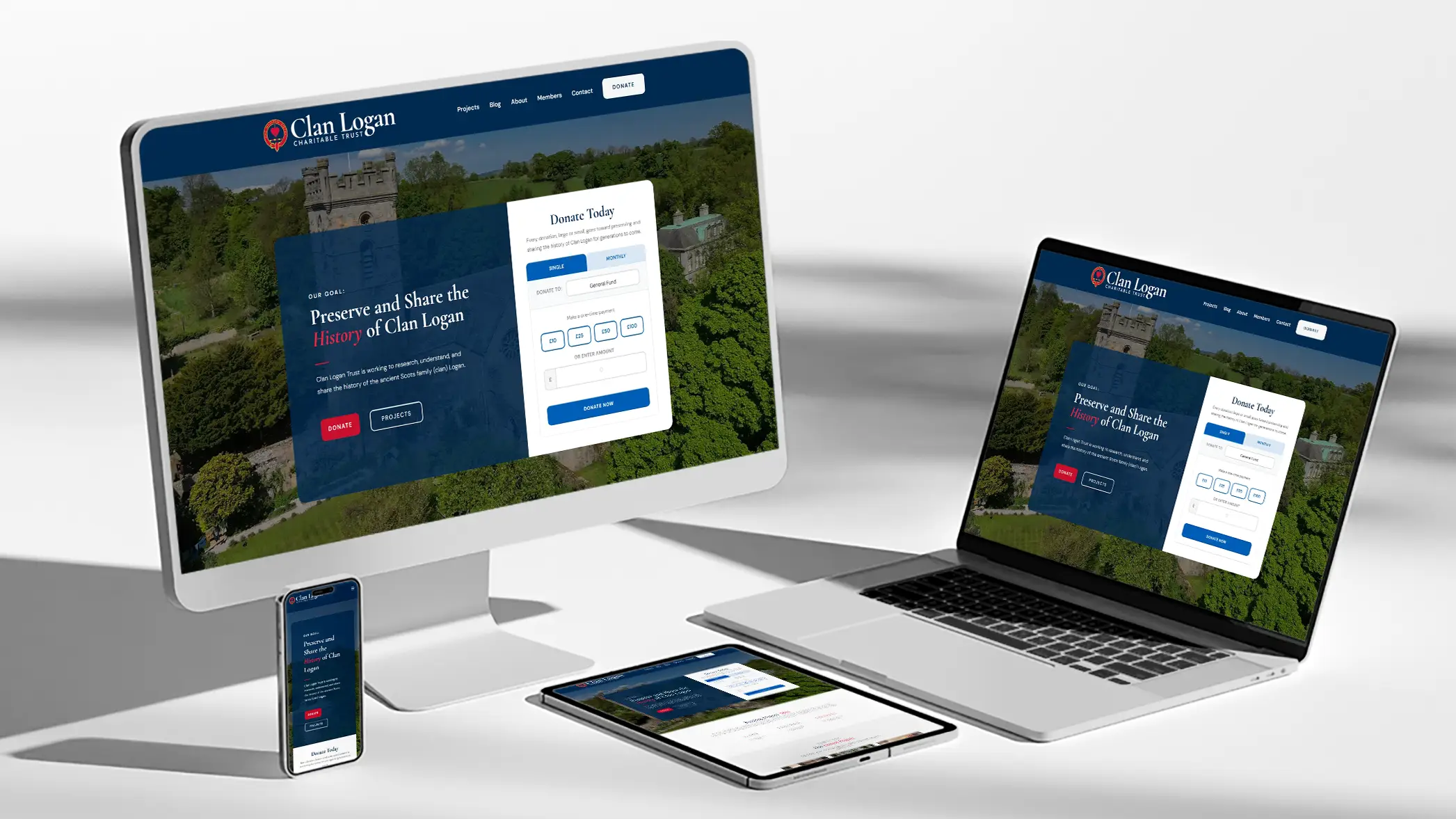
The site is live at clanlogantrust.co.uk. Five pages turned into a brand identity, a website, a custom donation platform, a members area, and a set of training videos, which is fairly typical of how these projects go once everyone can see what is actually possible.
“Thank you very much for such a beautiful site. And for putting up with our changing needs and ideas. I really appreciate the video tutorials too.”
J. Kevin Logan, Commander of the Name Logan, Trustee
If you want the shorter version with more pictures, there is a website portfolio piece and a branding portfolio piece.
Working on something similar?
If you run a charity, a nonprofit, or a small business and you need a website people can actually use and update themselves, I would like to hear about it. Get in touch through my contact form and tell me what you are trying to build. No obligation, and I am happy to talk through the options even if you decide to go a different direction.