
Want to try it out before you buy? Download a free sample pack here:
How-to Guide
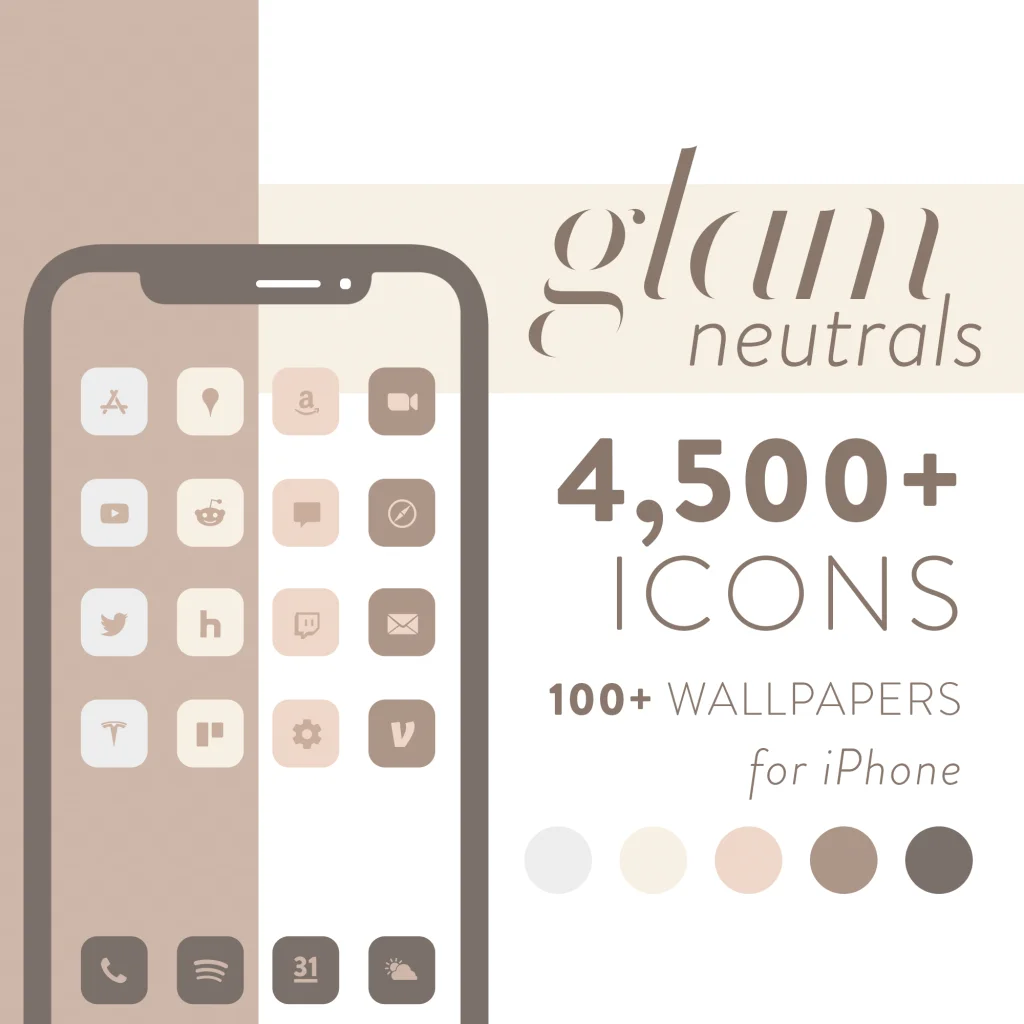
Glam – Neutral Matte Icons for iPhone iOS MacOS & Windows
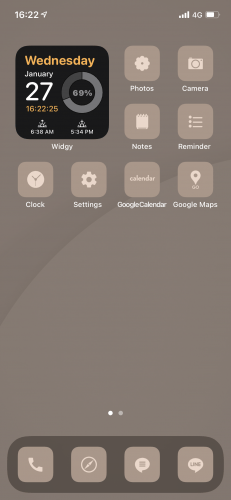
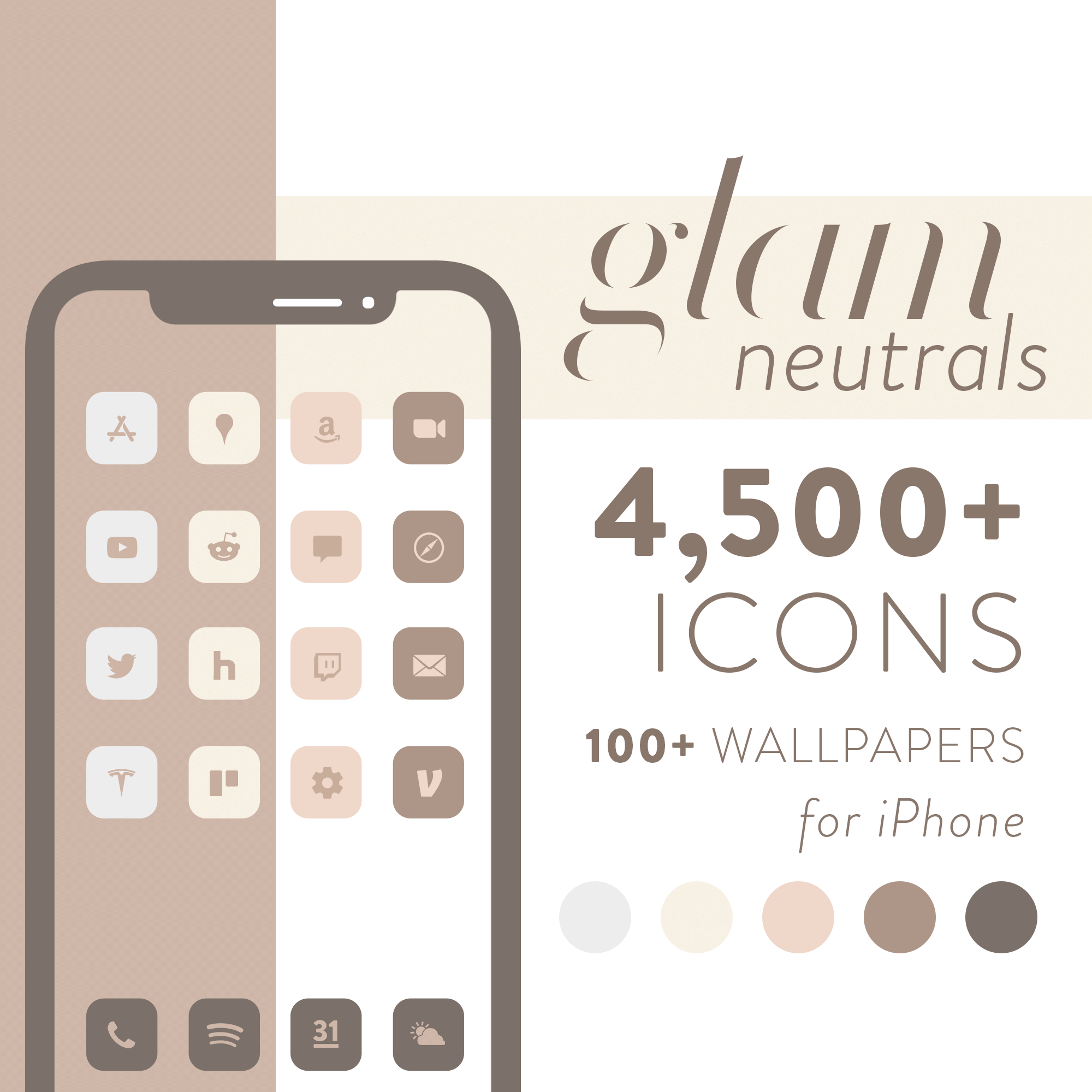
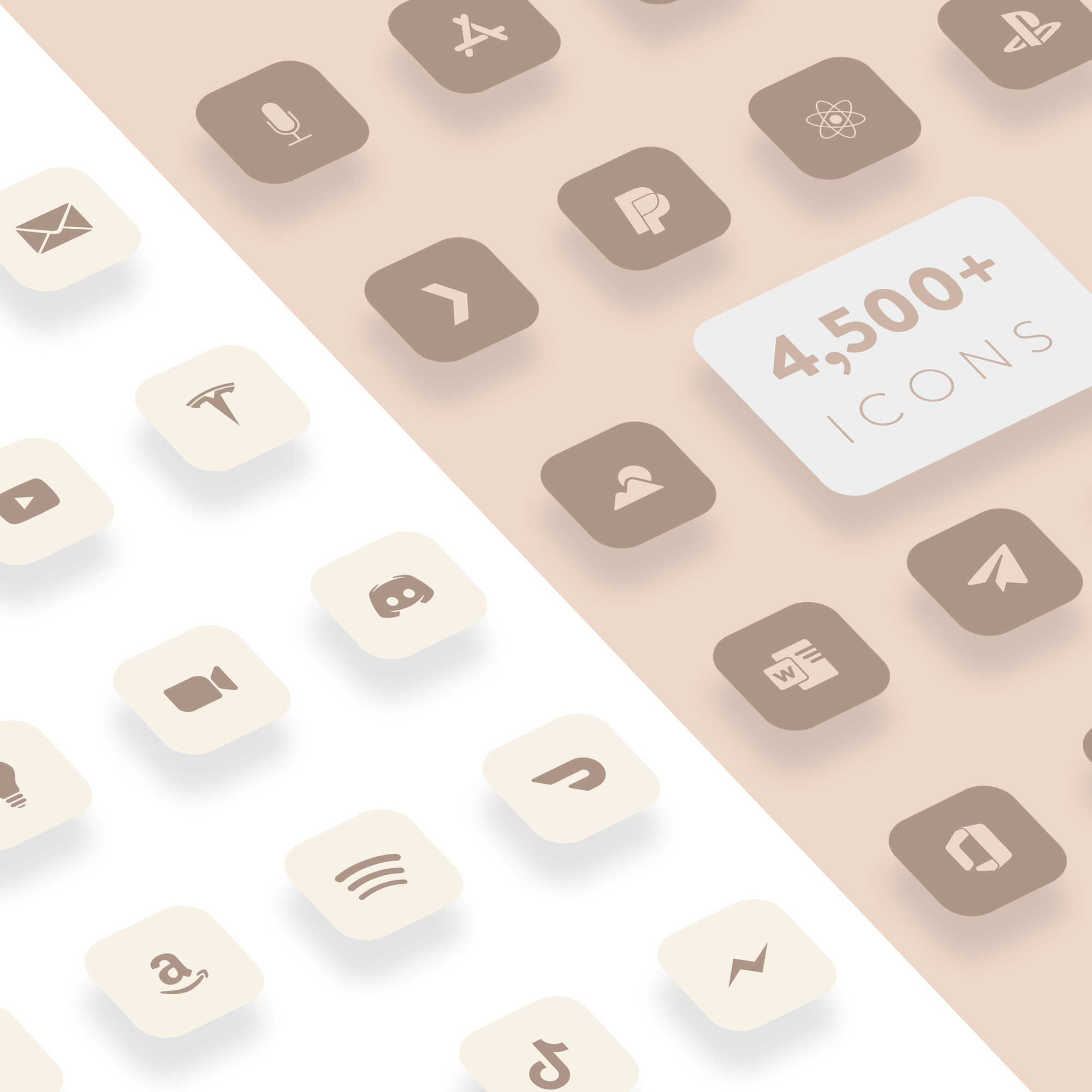
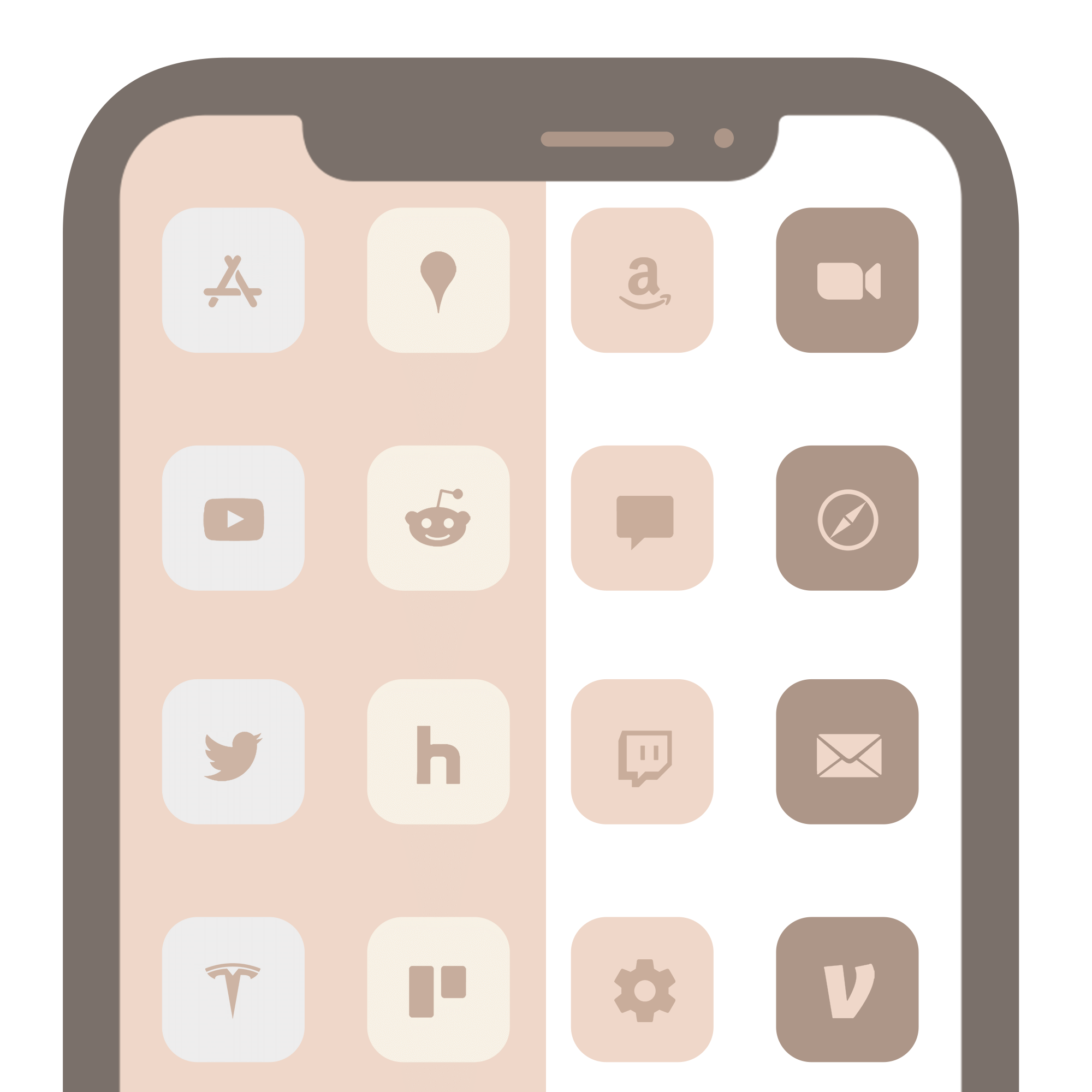
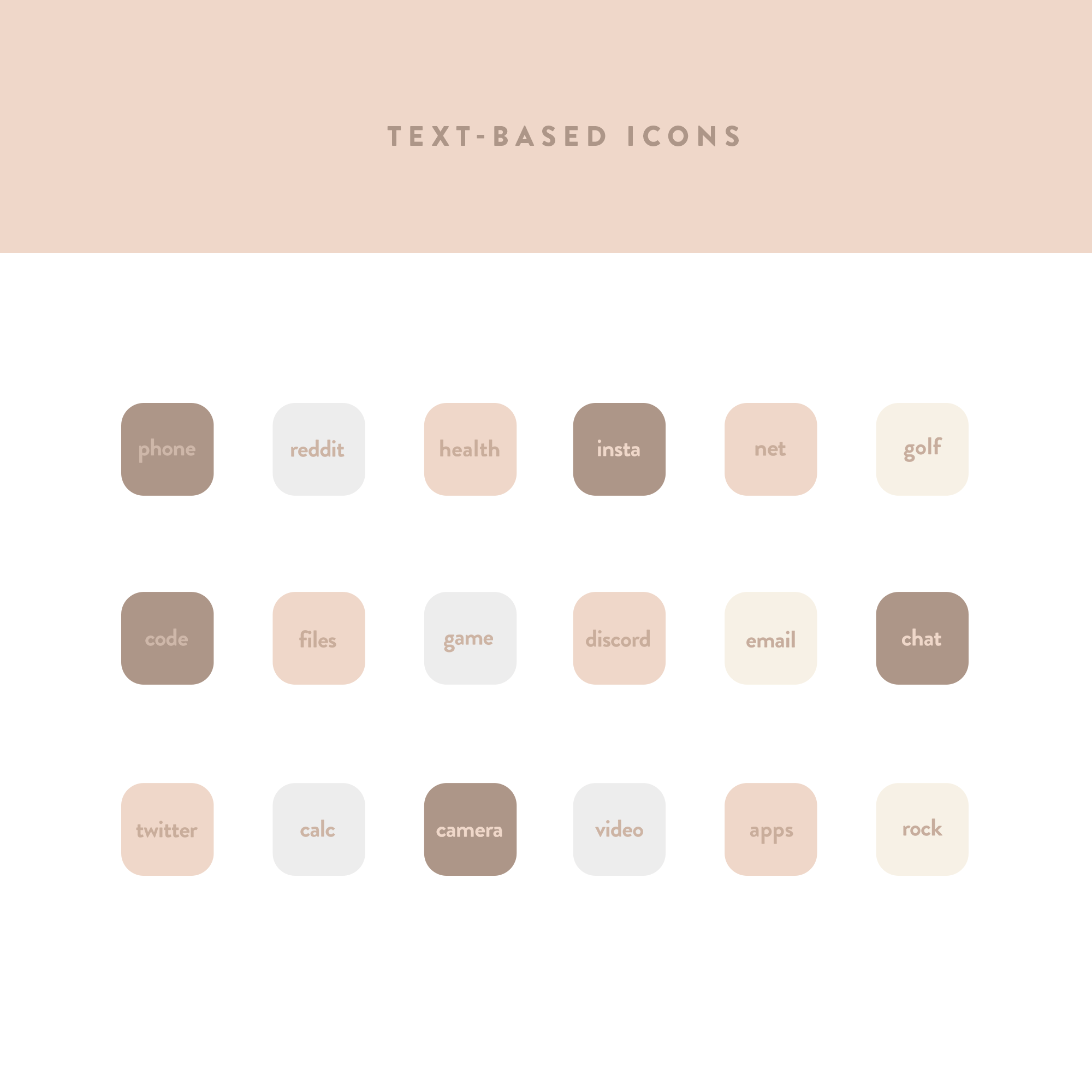
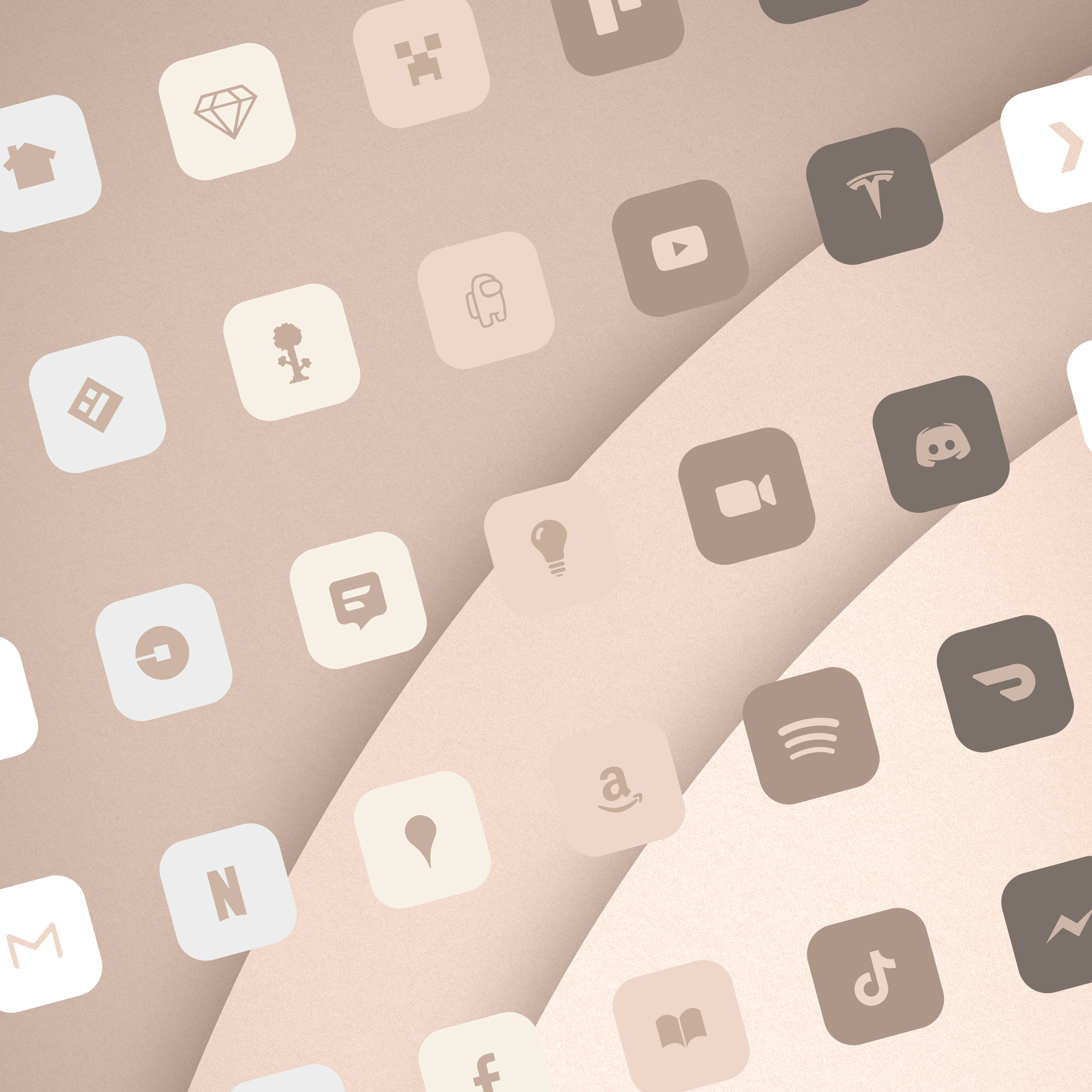
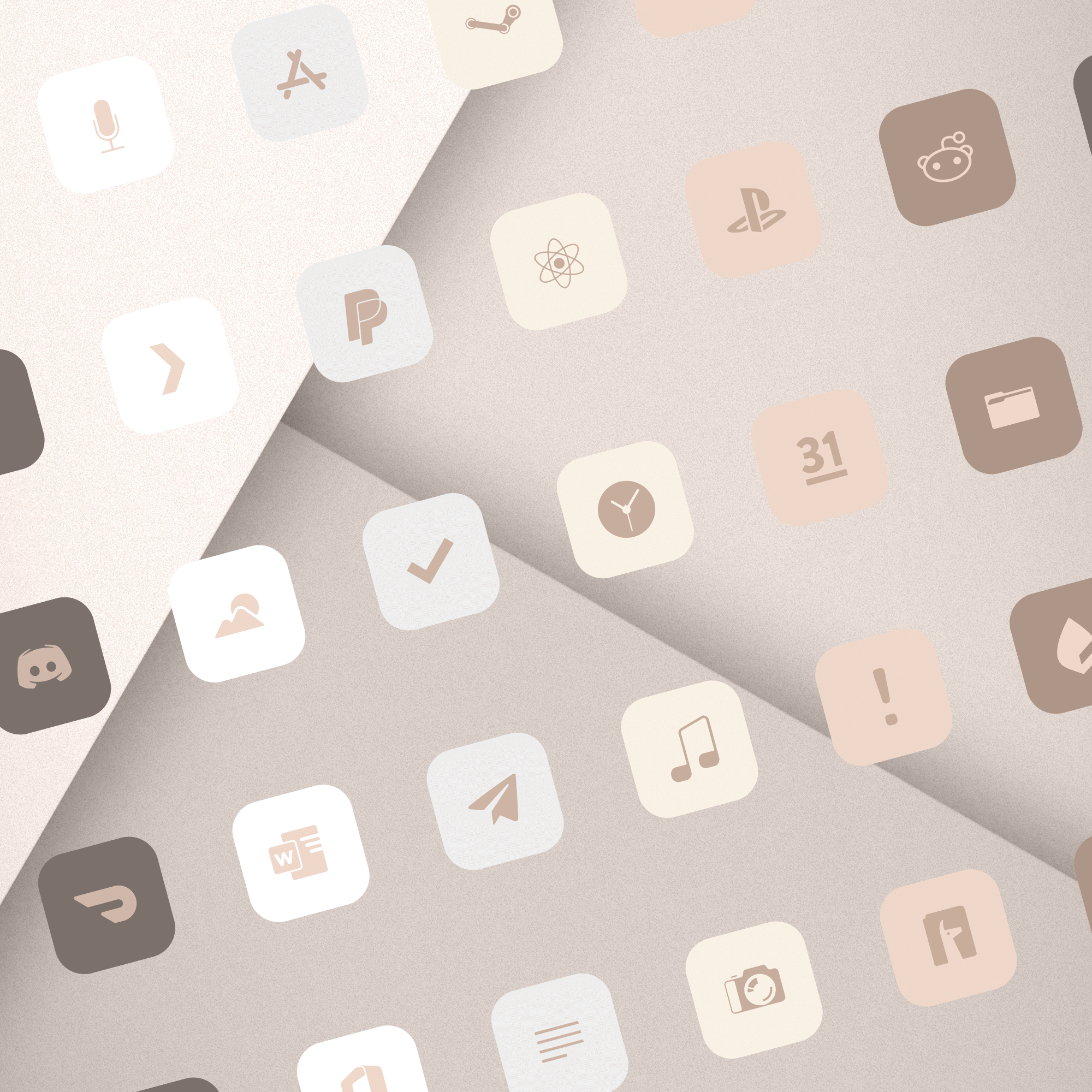
- 5,000+ minimalist neutral icons based on cosmetic palettes.
- 100+ wallpapers.
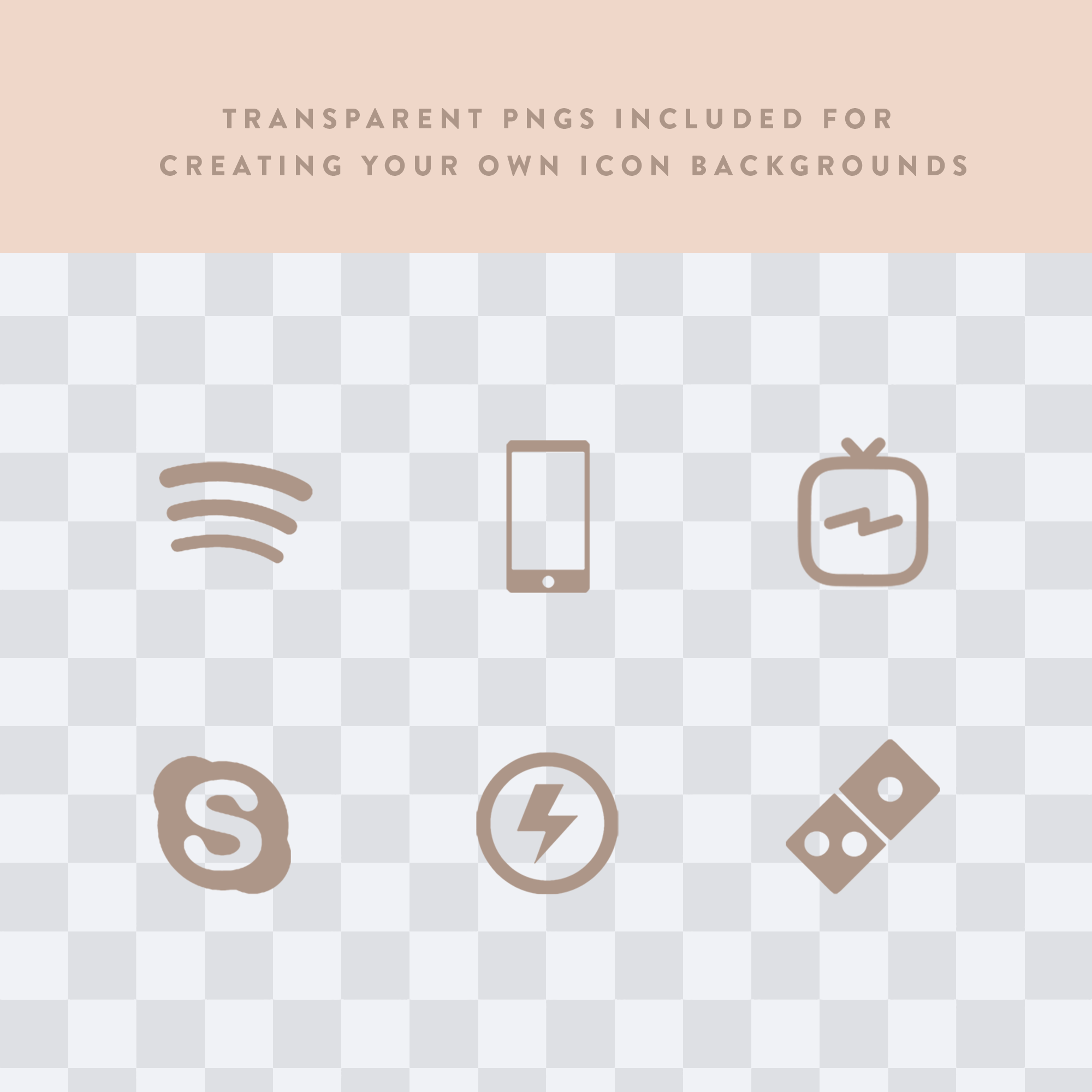
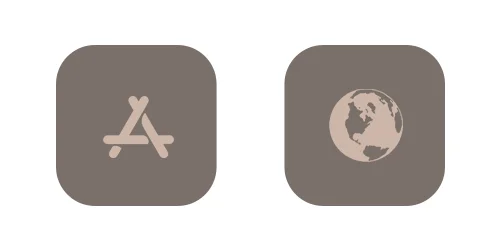
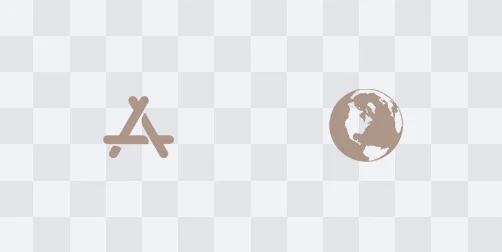
- Transparent PNGs included if you’d like to create your own icon backgrounds.
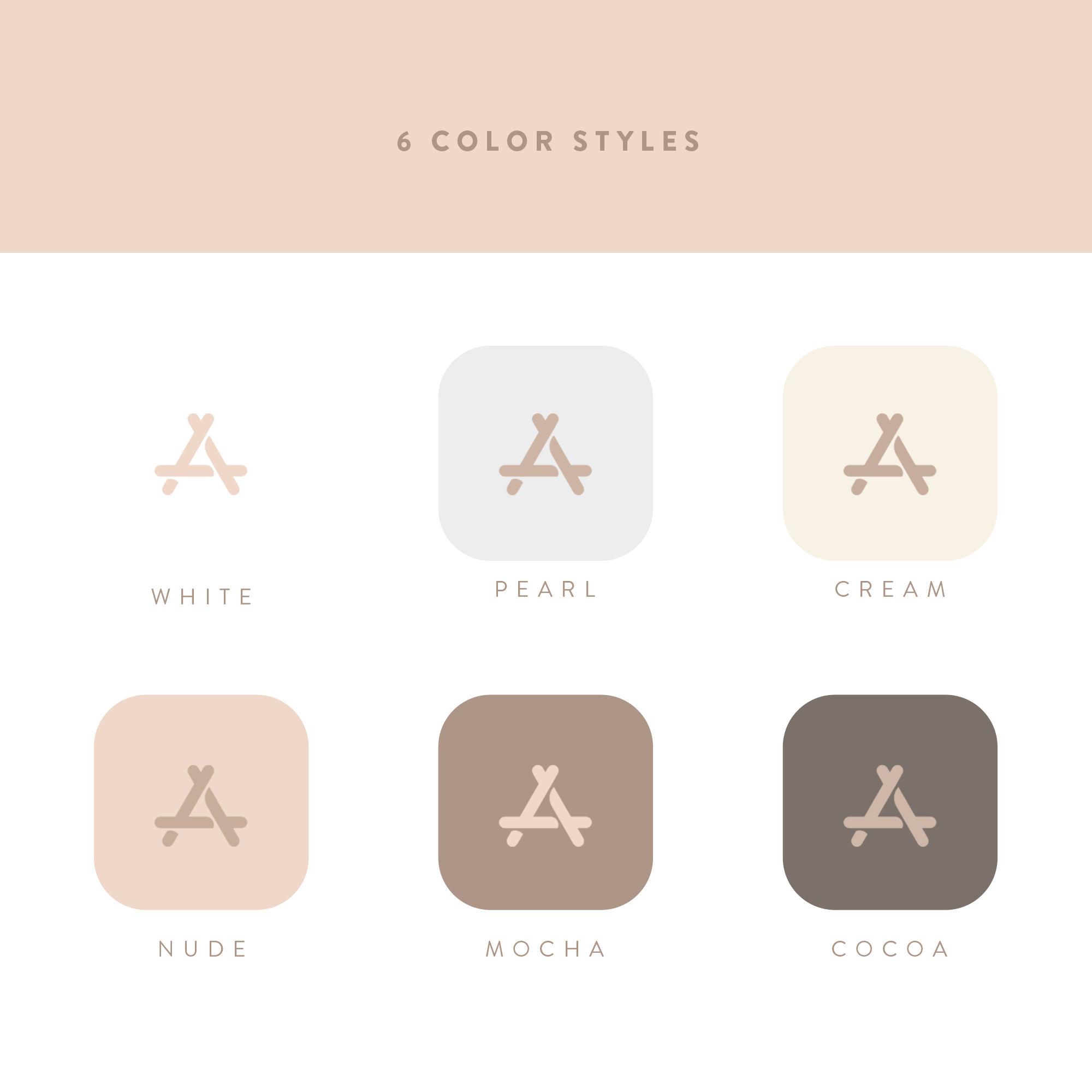
- 6 background colors included; white, pearl, cream, & neutral, mocha, & cocoa.
- Transparent PNG pack plus the 4 pre-made sets total over 31,000 icons!
- Free updates. Request Icons using the contact form at natewren.com.
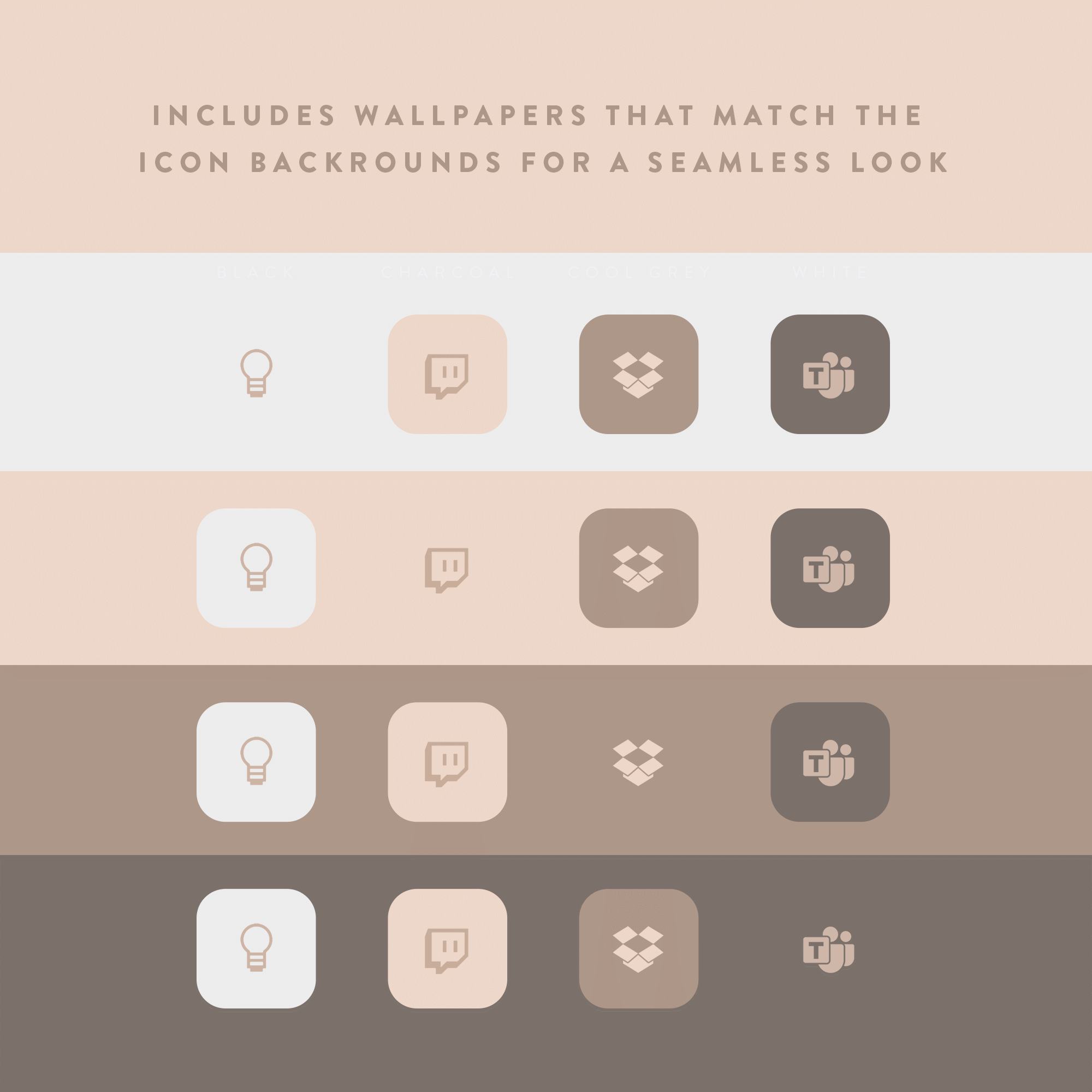
- Includes wallpapers that match the icon backgrounds for a seamless look.
Hex Codes
White: #ffffff
Pearl: #ededed
Cream: #f7f1e5
Nuetral: #eed7c9
Mocha: #ad9688
Cocoa: #7b706a
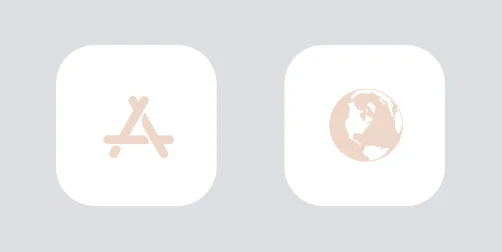
Files Included:

FAQs
How do I use these?
How do I request new icons?
If you have any requests, feel free to contact me and let me know what you’d like to see in a future update.
Files missing?
Each zip file contains over 5,000 icons. If you’re only seeing a portion of that, there could be a couple of reasons why: Either your download was interrupted and only a portion of the files were obtained, or your device is still in the process of unzipping. It can take a couple minutes to unzip all 5,000 files. If you still don’t see all 5,000+ icons after a few minutes, you might need to re-download the zip file.
Unsupported file type?
Apple restricts opening zip files on some devices based on your user settings.
Tap the 3 dot menu > Open in > Save to Files
Once the file is in your Files app, you should be able to access them. Also, use “Choose File” when creating a shortcut in the “Shortcuts” app.
Don't have permission to open the file?
You’ll see this when your phone storage(not iCloud storage) is low on space. Try freeing up some space or restarting your device.
Getting a 'helper application' error?
A device restart should fix this. This could be also be caused by low storage space.
Is there an Android version?
Yes! You can get my Android themes here.
Personal-Use License Info
Icons © Nate Wren Design.
Licensed for personal use only. Commercial use and redistribution are strictly prohibited.